> ## Documentation Index
> Fetch the complete documentation index at: https://docs.inflection.io/llms.txt
> Use this file to discover all available pages before exploring further.
# Marketo Connector by Inflection
> The Inflection-managed Marketo connector
*The Inflection-managed Marketo connector*
Use your Marketo from Claude in plain language. Two one-time setup steps, one by your Marketo Ops admin and one by your Claude admin, and then everyone on the team can use it.
The connector is hosted by Inflection, so there is nothing for your team to install or maintain. If you run into any issues, please reach out to the Inflection team.
***
## Part 1. Marketo Ops: connect Marketo to Inflection (once, \~2 minutes)
Needs an Inflection **admin** account and your Marketo API credentials.
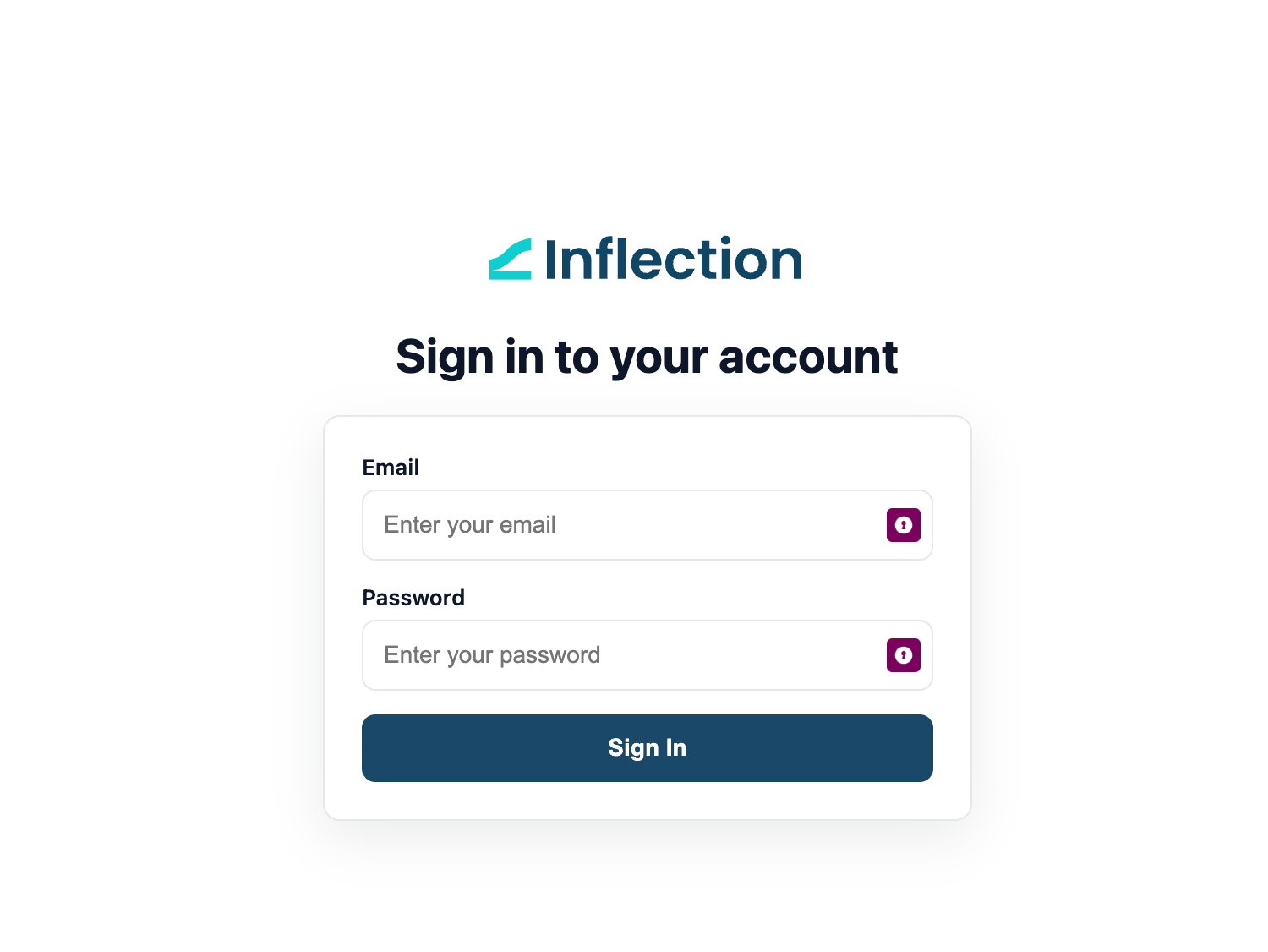
**1.** Go to [**https://mcp-marketo.inflection.io/setup**](https://mcp-marketo.inflection.io/setup) and sign in with your Inflection account.
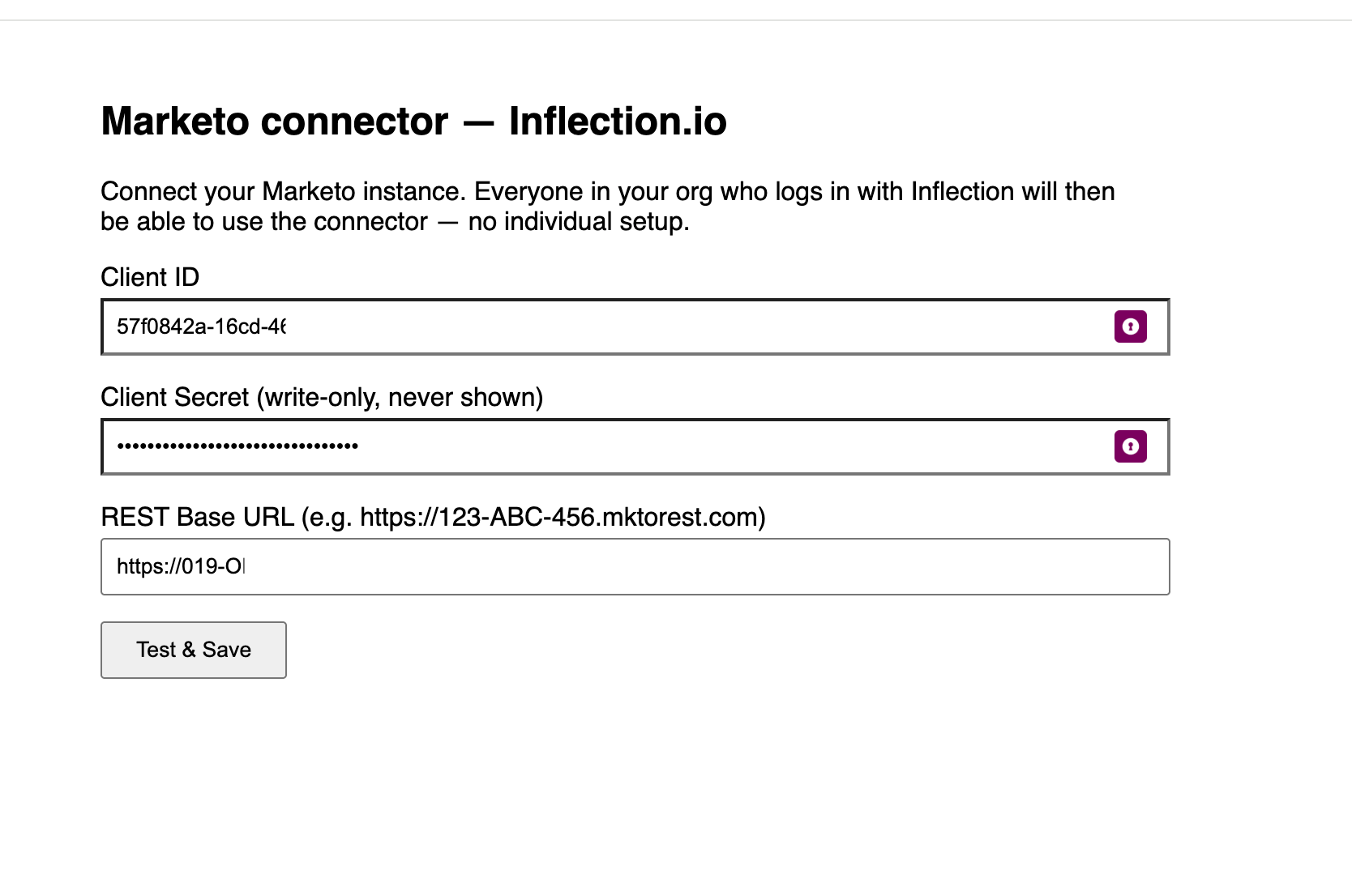
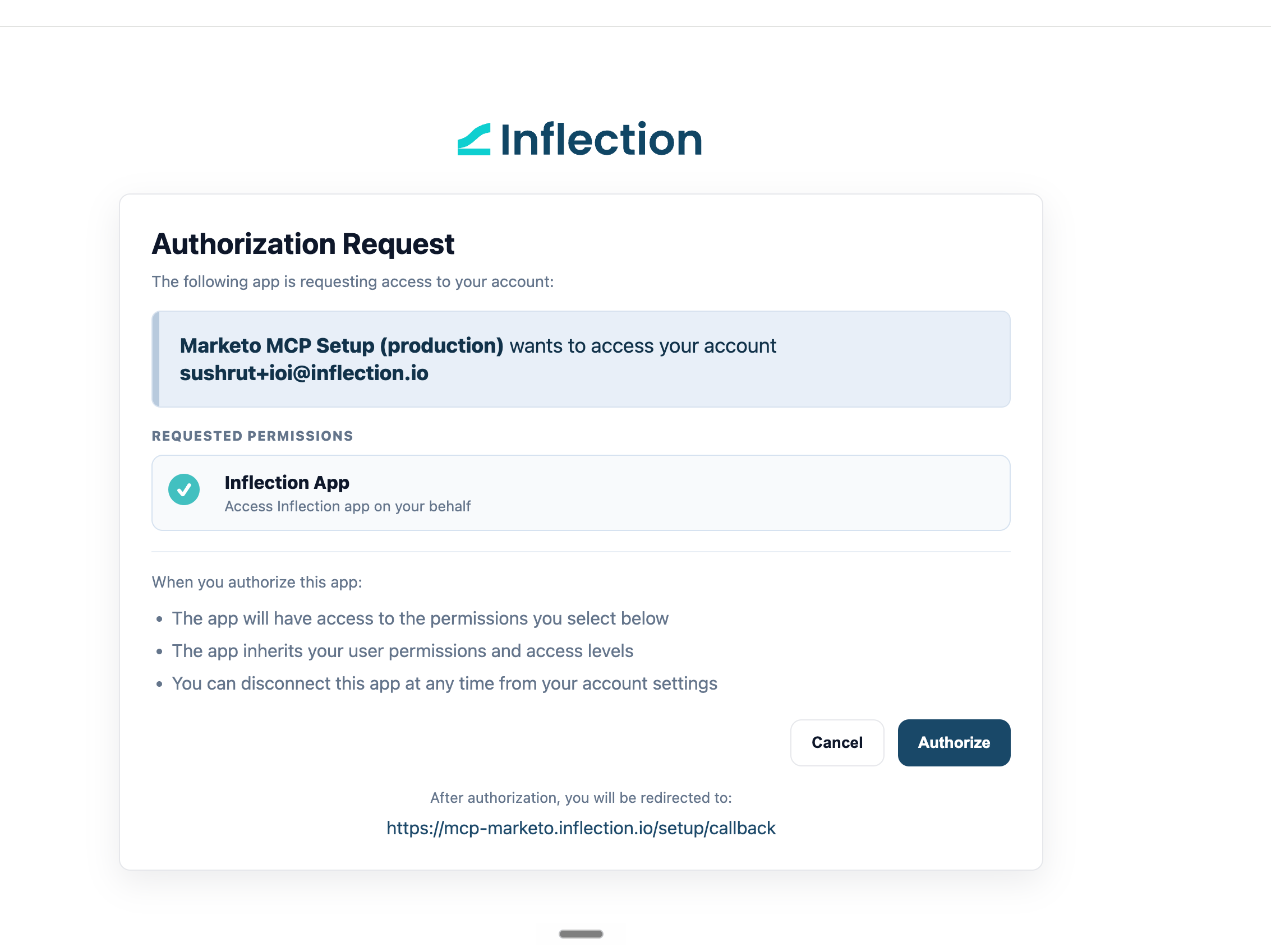 **2.** Enter your Marketo **Client ID**, **Client Secret**, and **REST base URL**. In Marketo, the ID and secret are under Admin > LaunchPoint, and the URL is under Admin > Web Services (it looks like `https://123-ABC-456.mktorest.com`). Click **Test & Save**.
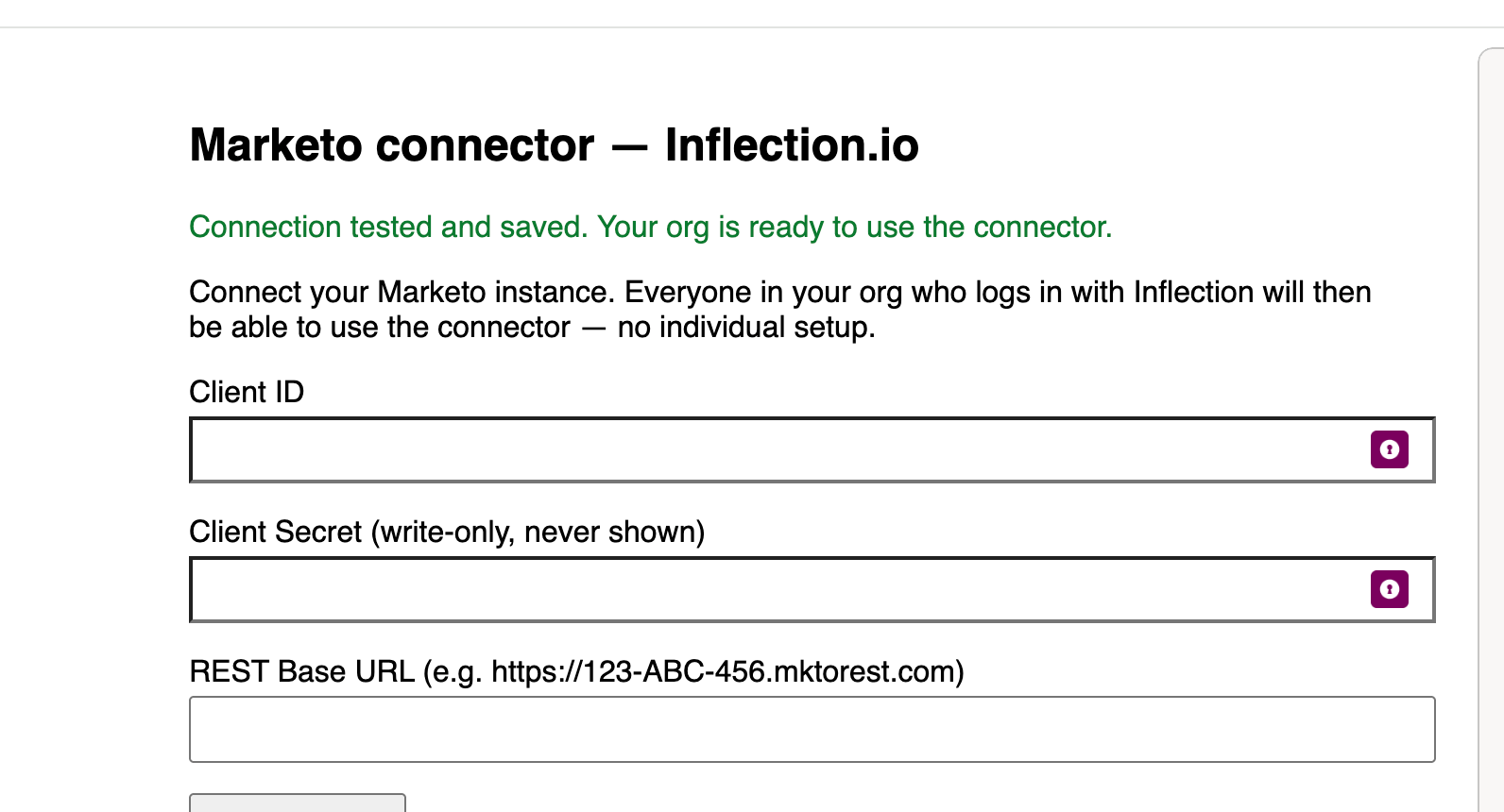
 **3.** You'll see the connection confirmed. Marketo is now linked to your organization.
 ***
## Part 2. Claude admin: add the connector for your org (once, \~1 minute)
> In Claude for Work, custom connectors are added by a workspace **admin**. Individual members can't add them.
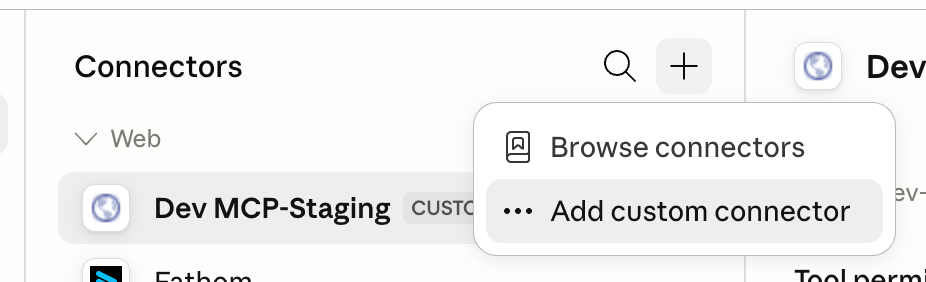
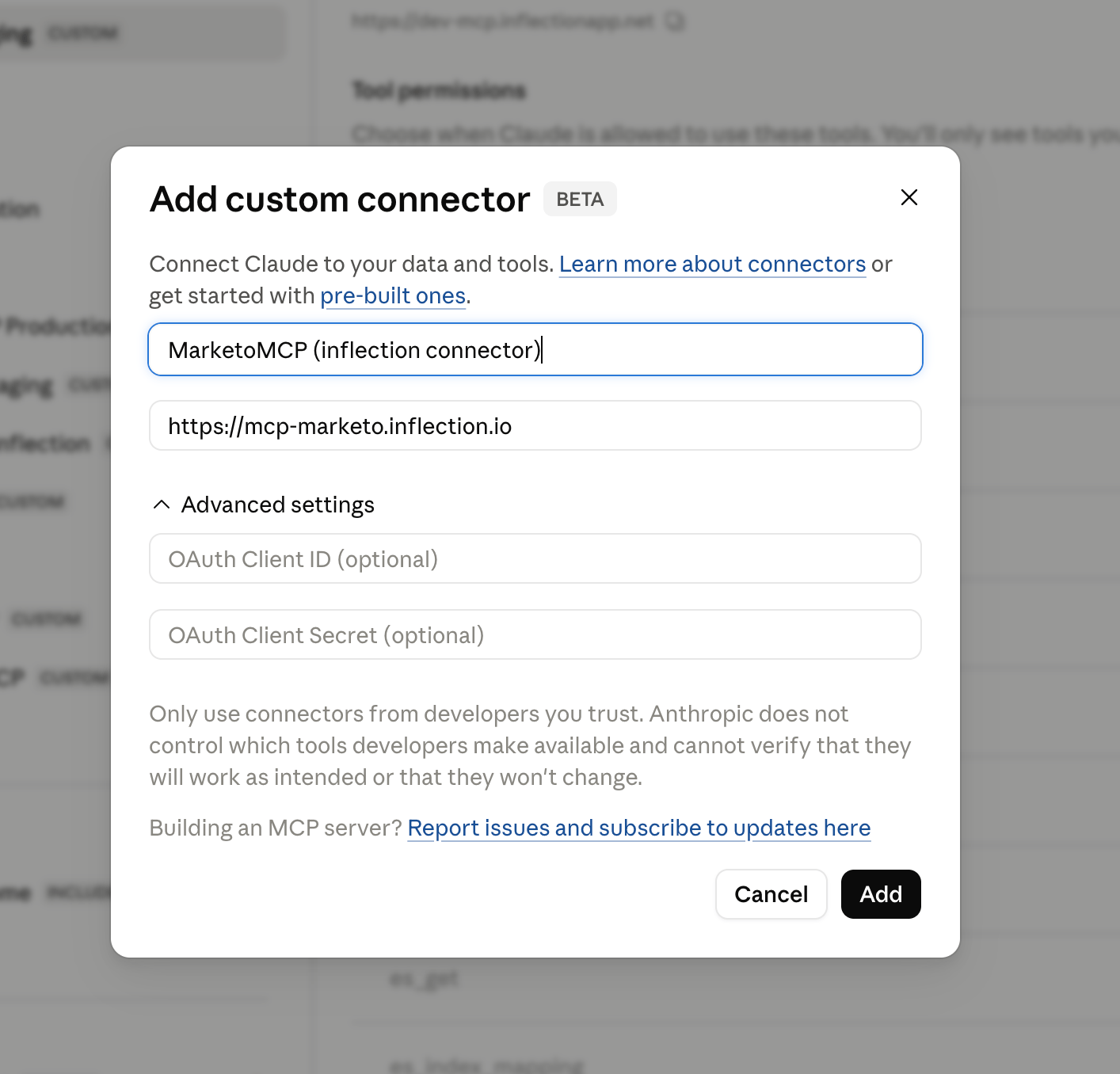
In [claude.ai](http://claude.ai), go to **Admin settings > Connectors > Add custom connector**, give it a name (e.g. *Marketo*), and enter the URL:
```javascript theme={null}
https://mcp-marketo.inflection.io
```
***
## Part 2. Claude admin: add the connector for your org (once, \~1 minute)
> In Claude for Work, custom connectors are added by a workspace **admin**. Individual members can't add them.
In [claude.ai](http://claude.ai), go to **Admin settings > Connectors > Add custom connector**, give it a name (e.g. *Marketo*), and enter the URL:
```javascript theme={null}
https://mcp-marketo.inflection.io
```
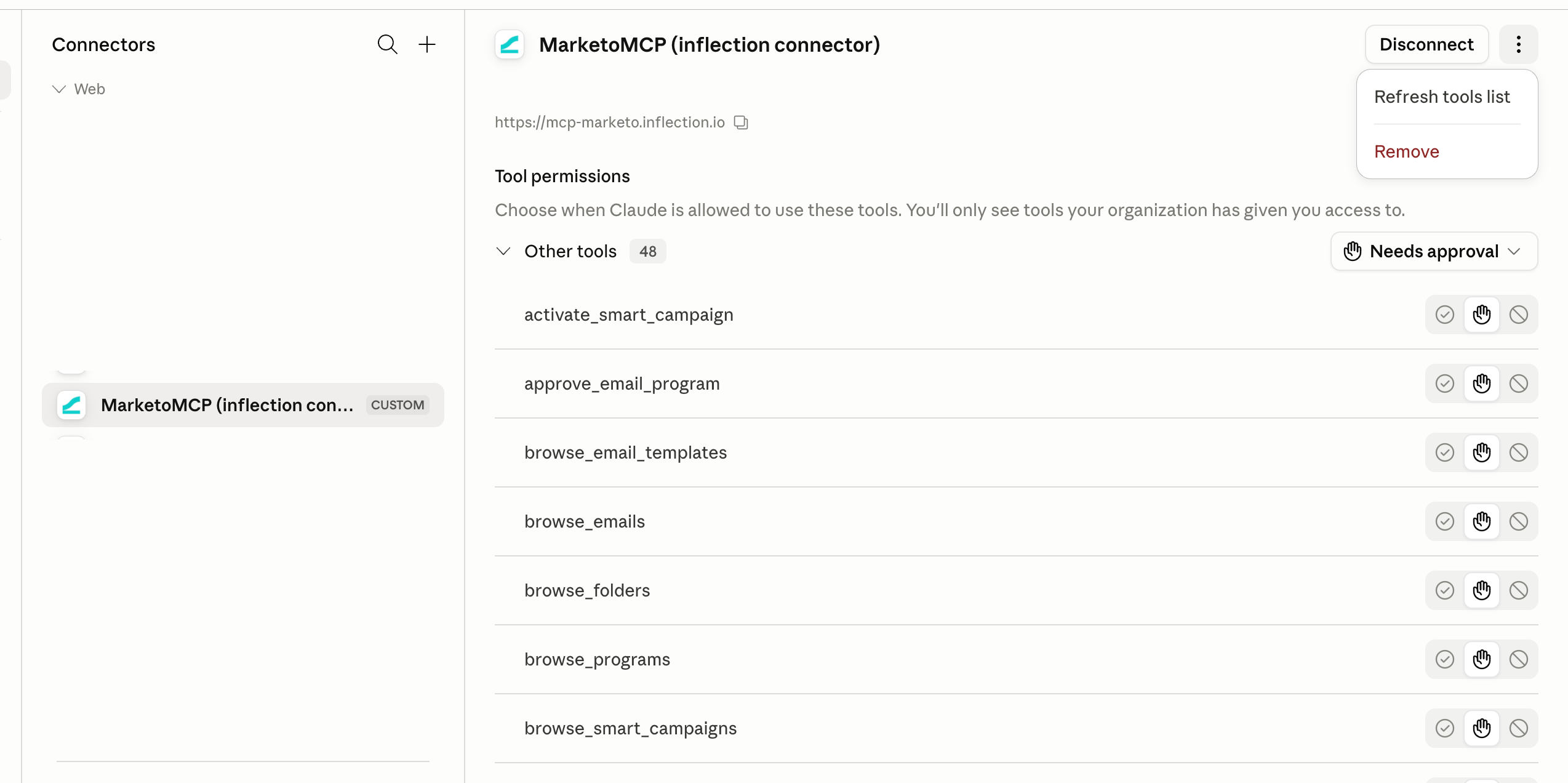
 Once added, the connector is available to everyone in your Claude workspace.
 ***
## Part 3. Everyone: connect and go
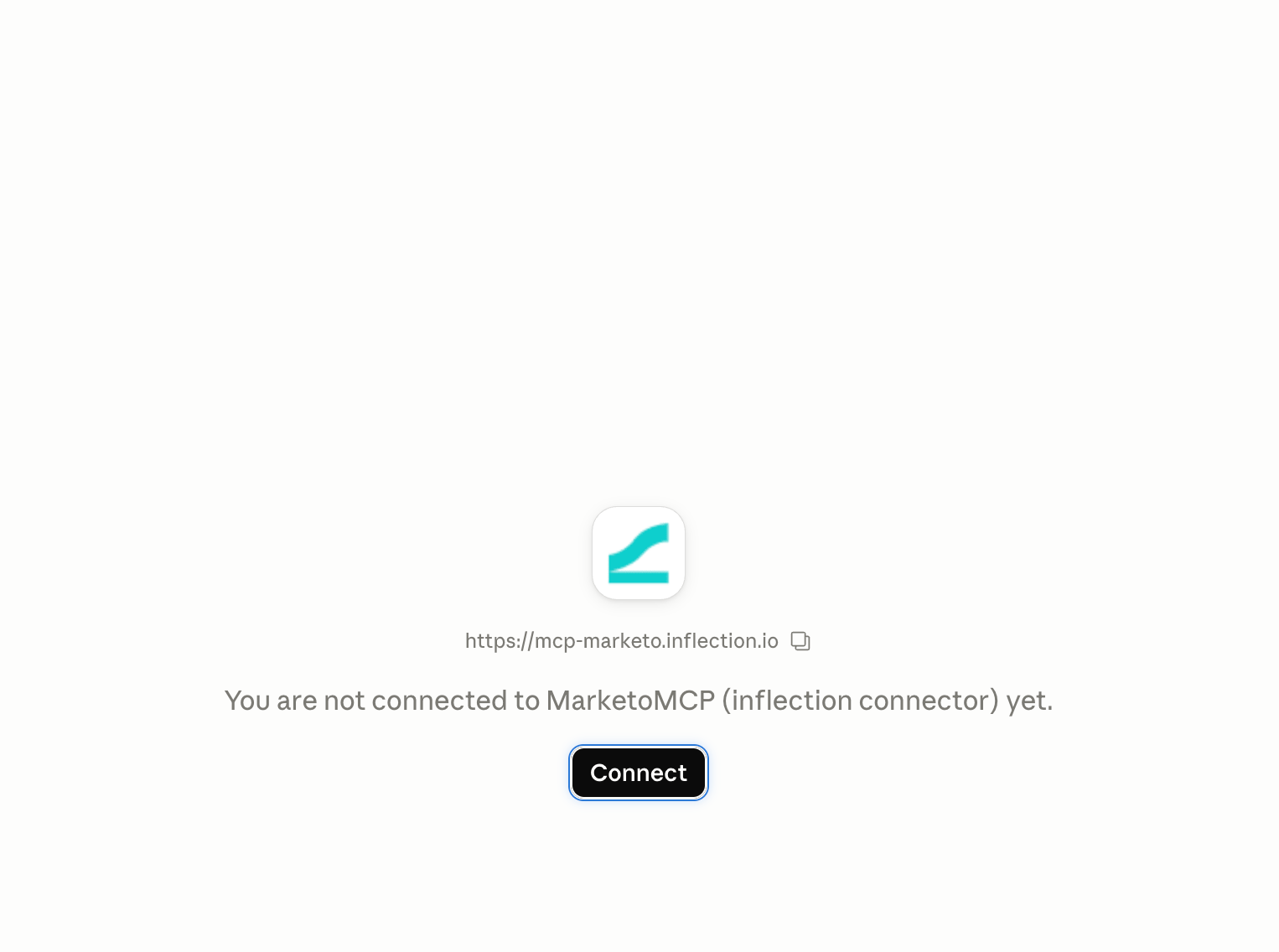
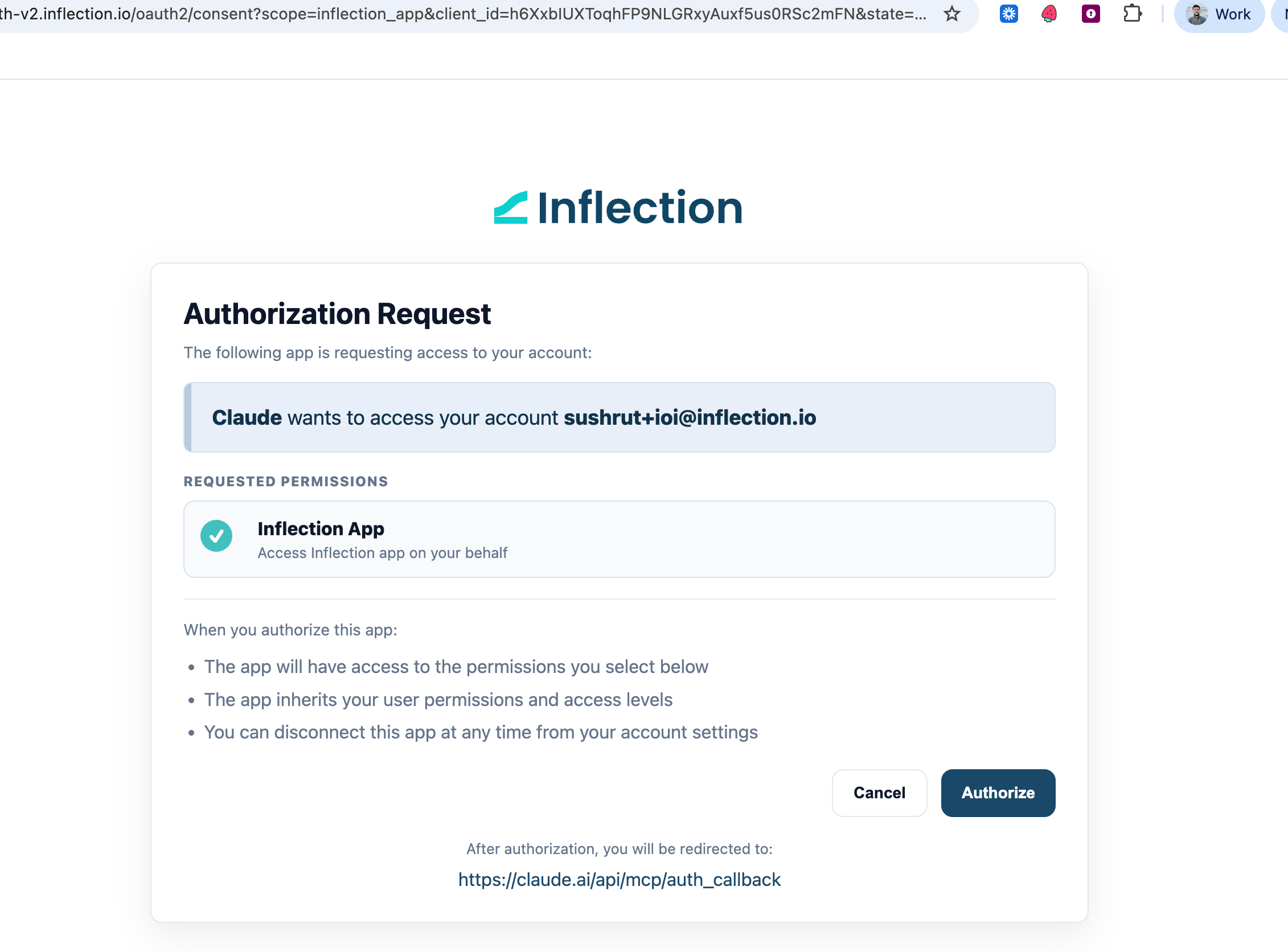
**1.** In a Claude chat, open the tools/connectors menu, find **the MarketoMCP**, and click **Connect**. Sign in with your **Inflection** account when prompted. (First time only; no Marketo credentials needed.)
***
## Part 3. Everyone: connect and go
**1.** In a Claude chat, open the tools/connectors menu, find **the MarketoMCP**, and click **Connect**. Sign in with your **Inflection** account when prompted. (First time only; no Marketo credentials needed.)
 **2.** Start asking:
* *"Pull the Marketo lead for [jane@acme.com](mailto:jane@acme.com) and show her recent activity."*
* *"What's the open and click rate on the Q2 newsletter?"*
* *"Clone last quarter's webinar program for the November event."*
***
**Something not working?** "Your organization hasn't connected Marketo yet" means Part 1 still needs doing. If you can't see the Marketo connector in Claude at all, Part 2 still needs your Claude admin. For anything else, contact your Inflection team.
**2.** Start asking:
* *"Pull the Marketo lead for [jane@acme.com](mailto:jane@acme.com) and show her recent activity."*
* *"What's the open and click rate on the Q2 newsletter?"*
* *"Clone last quarter's webinar program for the November event."*
***
**Something not working?** "Your organization hasn't connected Marketo yet" means Part 1 still needs doing. If you can't see the Marketo connector in Claude at all, Part 2 still needs your Claude admin. For anything else, contact your Inflection team.