> ## Documentation Index
> Fetch the complete documentation index at: https://docs.inflection.io/llms.txt
> Use this file to discover all available pages before exploring further.
# Data Subject Erasure Requests
> Data Subject Erasure Requests (DSRs) allow individuals to request the deletion of their personal data, as required by privacy laws like GDPR and CCPA.
Data Subject Erasure Requests (DSRs) allow individuals to request the deletion of their personal data, as required by privacy laws like GDPR and CCPA. These requests are an important part of protecting user privacy and staying compliant with data regulations. In Inflection, DSRs can be handled either manually or through automated integrations
## How to add contact email(s) for an erasure request
### Option 1 - Bulk Upload CSV
1. Navigate to **Settings > Erasure Requests**.
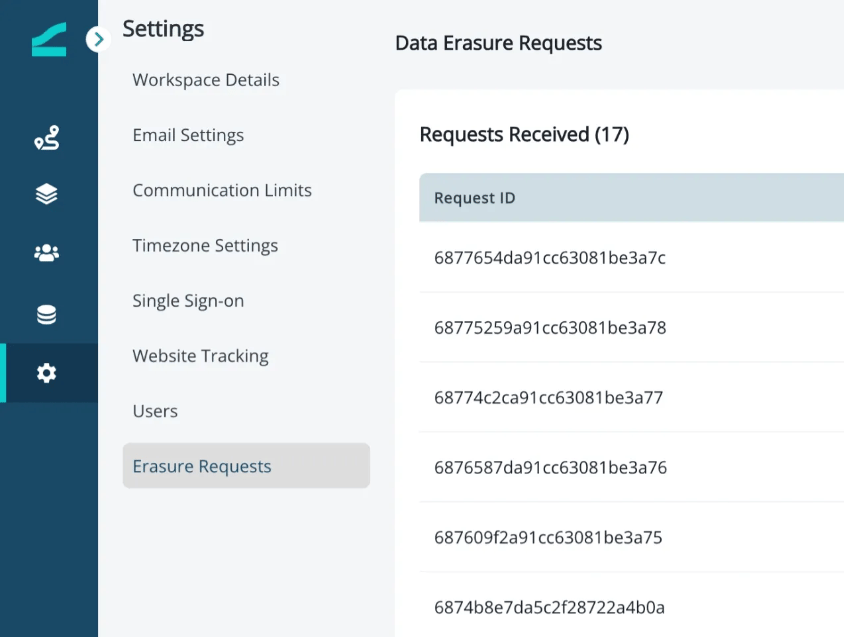 2. Click on **“New Request”** on the top right corner.
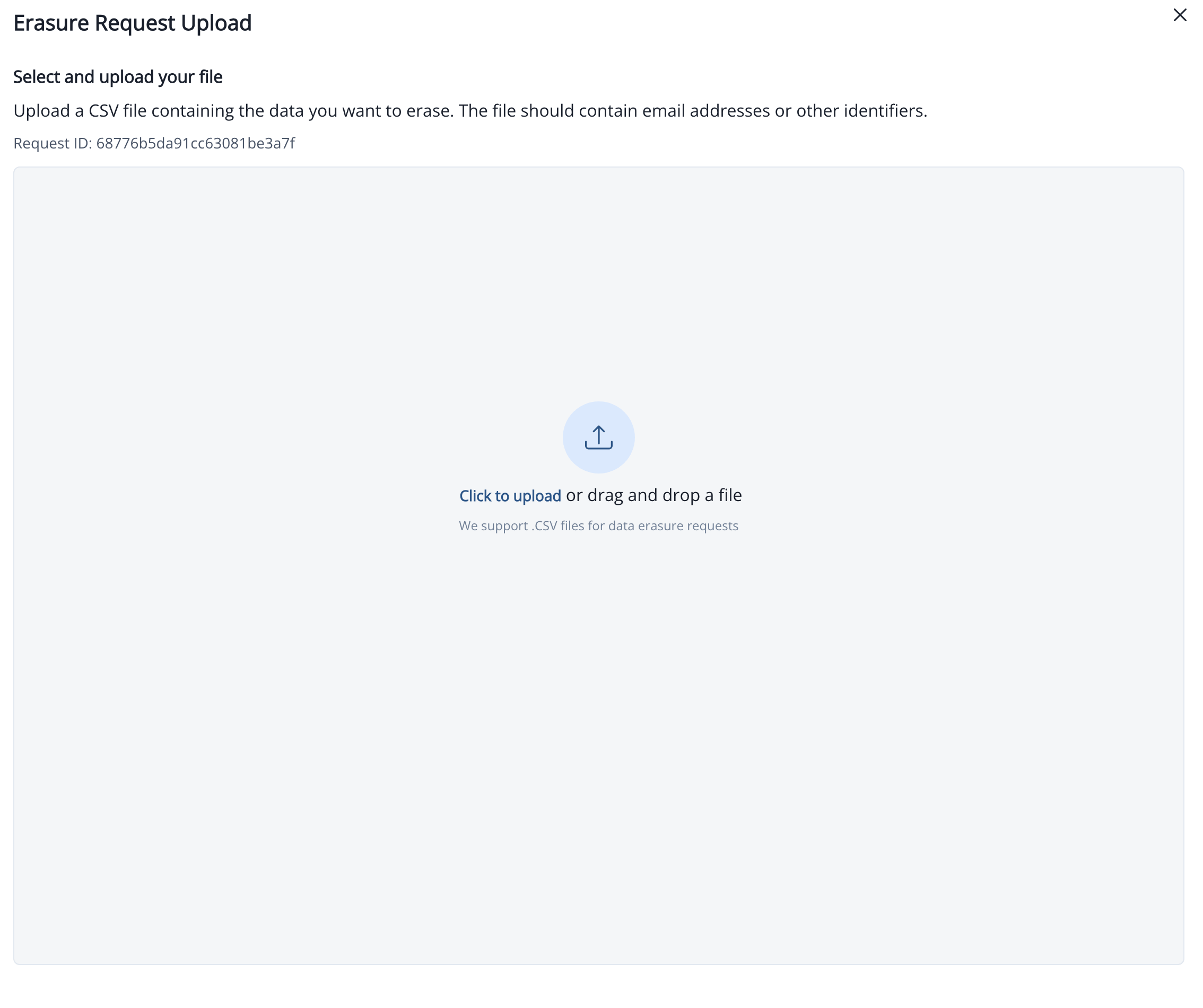
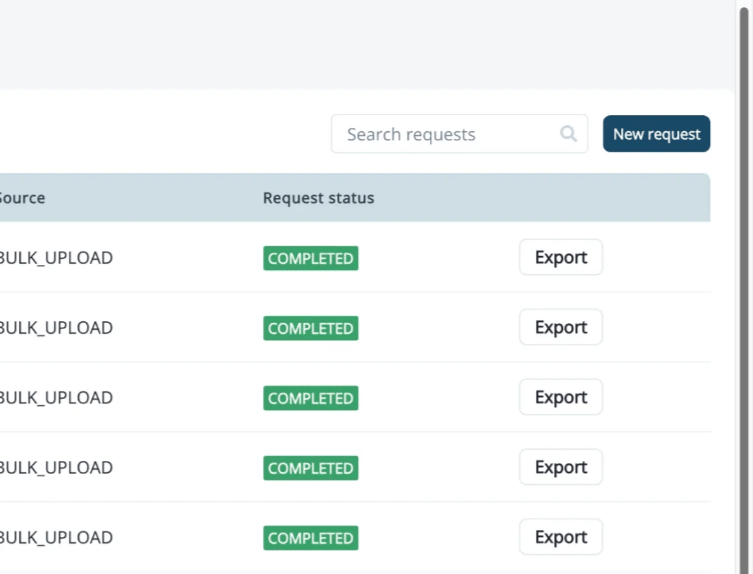 3. Upload a CSV file containing the list of email addresses to be erased.
Note:
The CSV file **must** include a header named `"email"`.
Optionally, a `"reason"` column may be added for auditing purposes. If not provided, it will be updated as “User requested deletion”
3. Upload a CSV file containing the list of email addresses to be erased.
Note:
The CSV file **must** include a header named `"email"`.
Optionally, a `"reason"` column may be added for auditing purposes. If not provided, it will be updated as “User requested deletion”
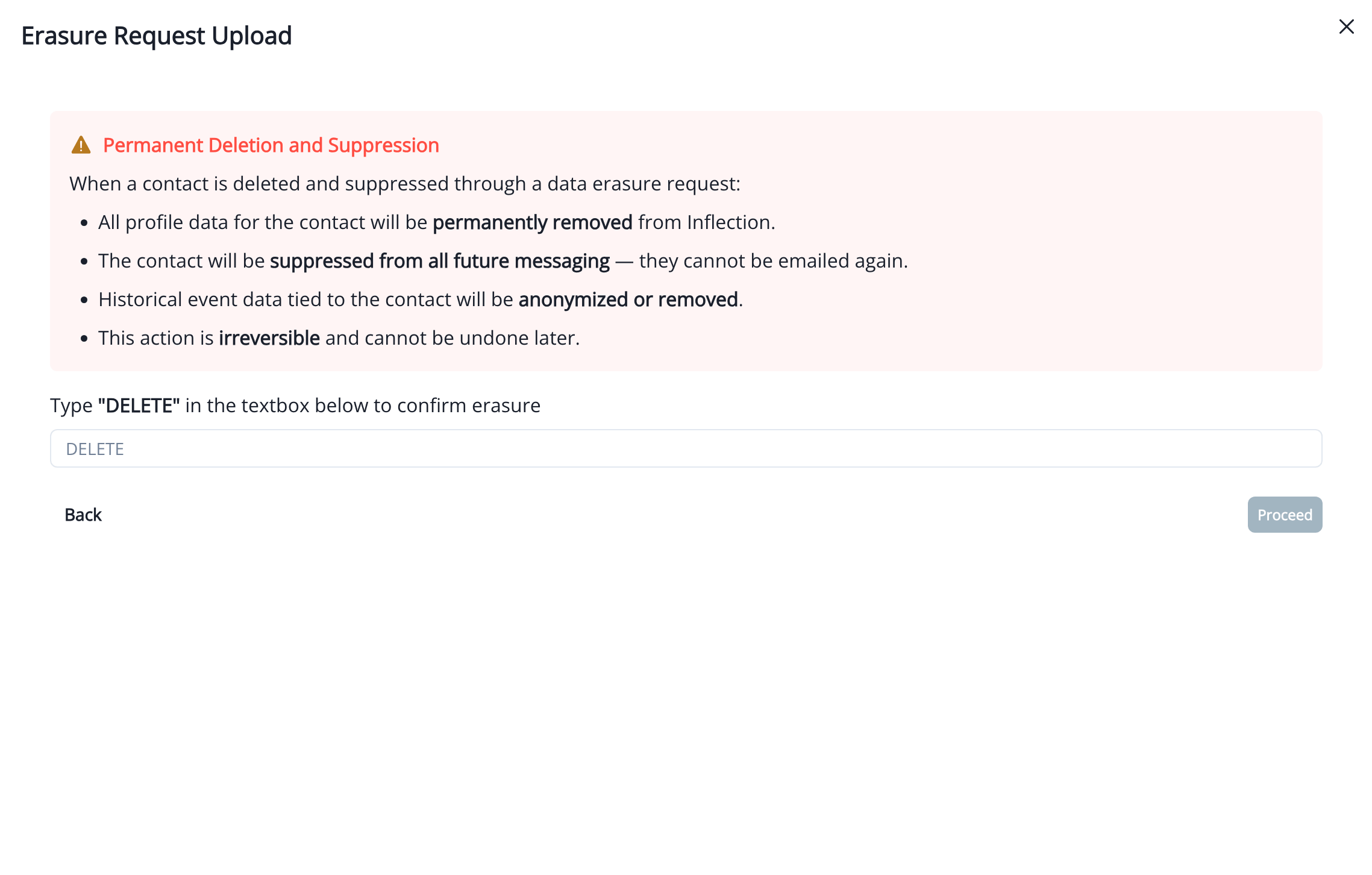
 4. Review the warnings displayed carefully. To confirm the erasure, type **“DELETE”** in the confirmation field.
 5. Once the request is processed, a CSV export will be available listing all contacts that were successfully erased.
Note:
The exported CSV will only include email addresses that were **successfully** removed. Contacts that do not exist in the database, contain invalid email formats, or fail validation for any other reason will **not** appear in the export.
### Option 2 - API endpoint connection for sending DSRs from external tools
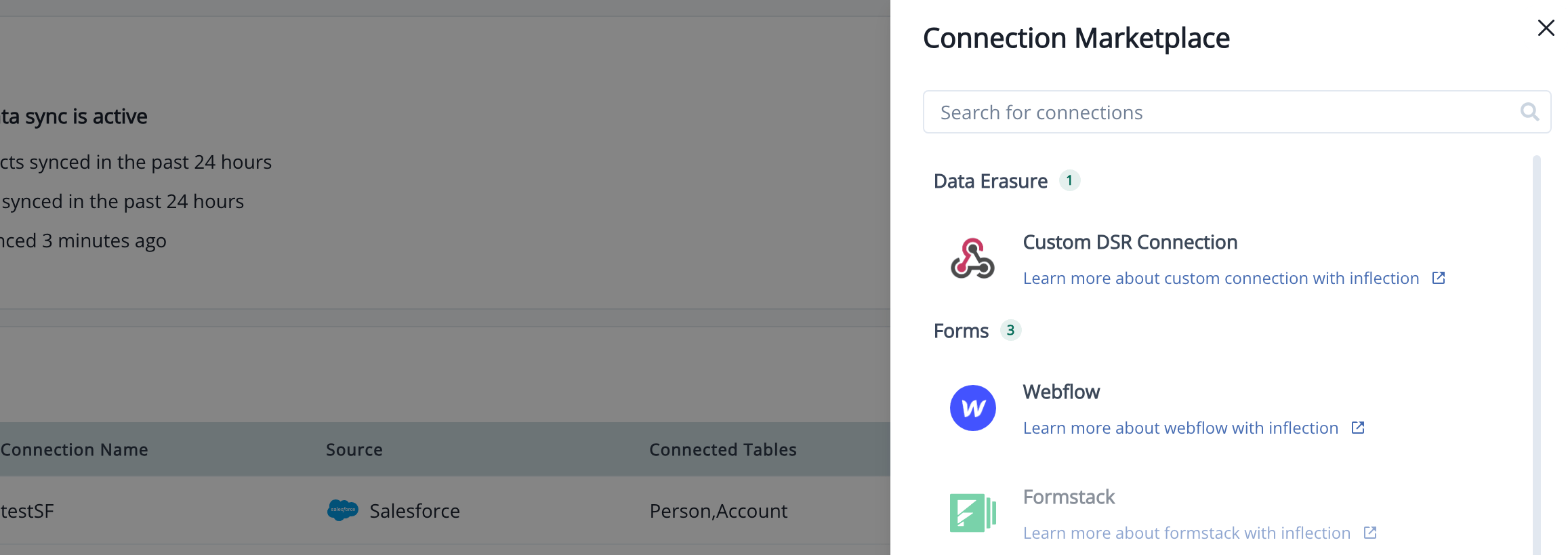
1. Go to **Connection > Add Connection > Custom DSR Connection**.
5. Once the request is processed, a CSV export will be available listing all contacts that were successfully erased.
Note:
The exported CSV will only include email addresses that were **successfully** removed. Contacts that do not exist in the database, contain invalid email formats, or fail validation for any other reason will **not** appear in the export.
### Option 2 - API endpoint connection for sending DSRs from external tools
1. Go to **Connection > Add Connection > Custom DSR Connection**.
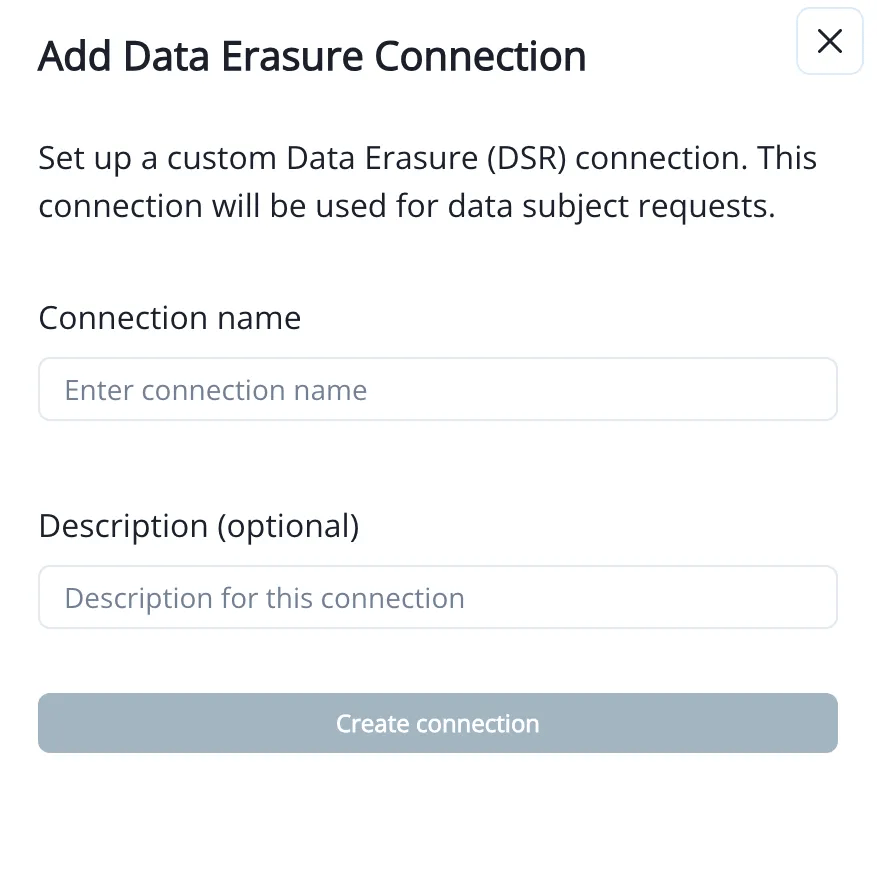
 2. Enter a connection name and description.
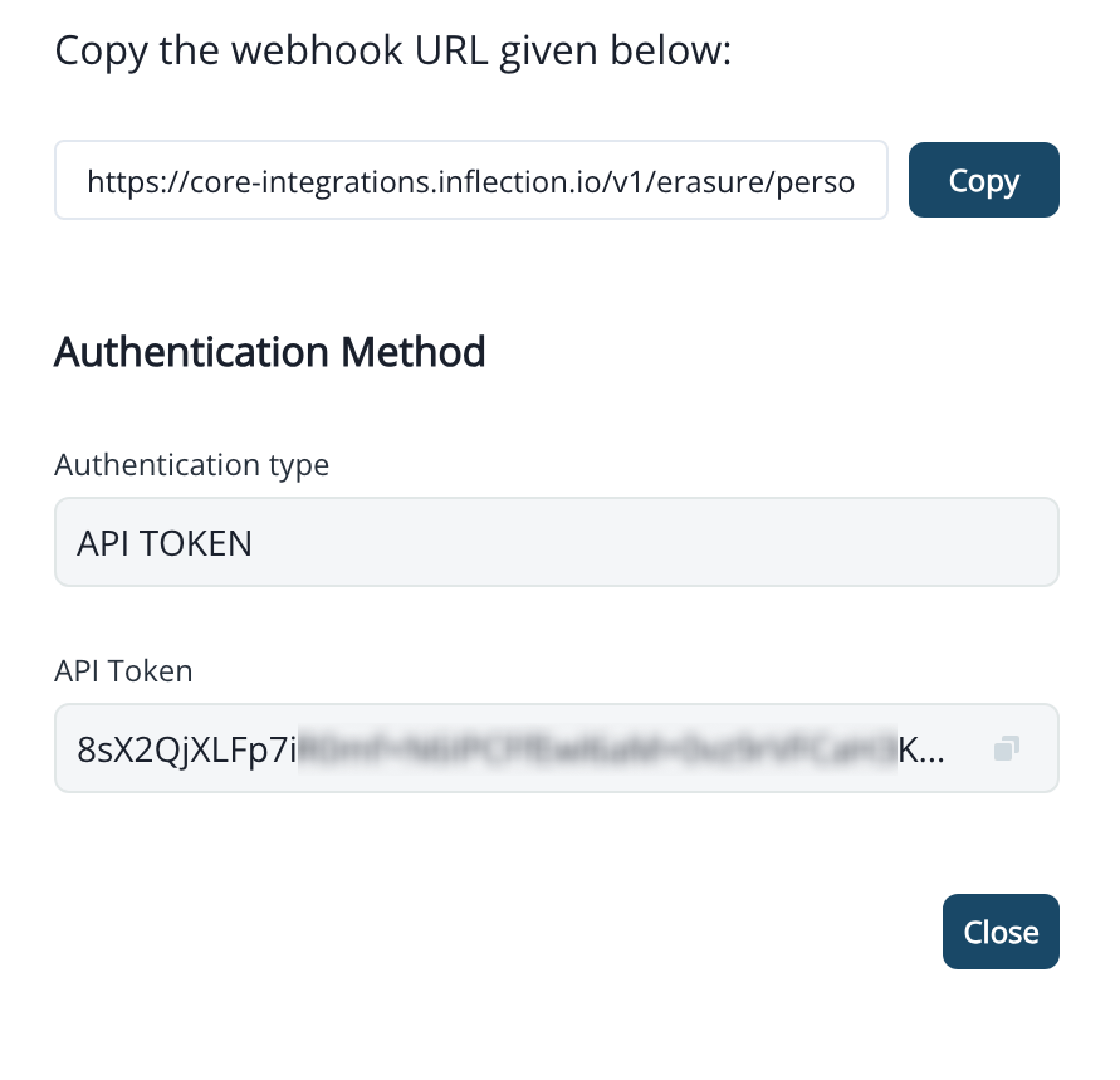
 3. You may use the shown URL and Bearer Token for sending erasure requests from external systems.
 4. Requests created via this method will also be shown under **Settings > Erasure Requests**.
For request/response details and sample calls, see the [Erasure API Endpoint documentation](/settings/erasure-api).
4. Requests created via this method will also be shown under **Settings > Erasure Requests**.
For request/response details and sample calls, see the [Erasure API Endpoint documentation](/settings/erasure-api).