

Part 1. Marketo Ops: connect Marketo to Inflection (once, ~2 minutes)
Needs an Inflection admin account and your Marketo API credentials. 1. Go to https://mcp-marketo.inflection.io/setup and sign in with your Inflection account.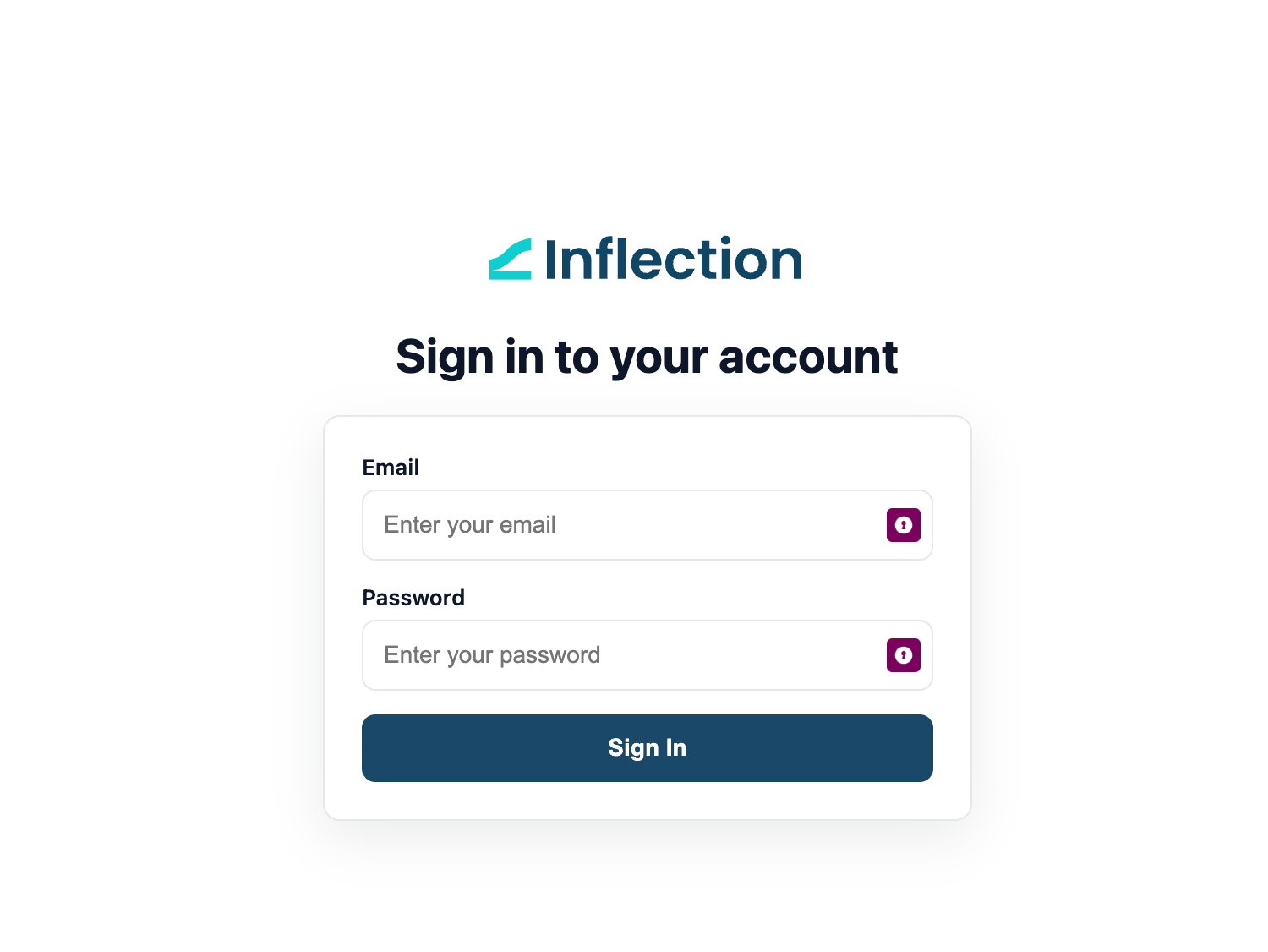
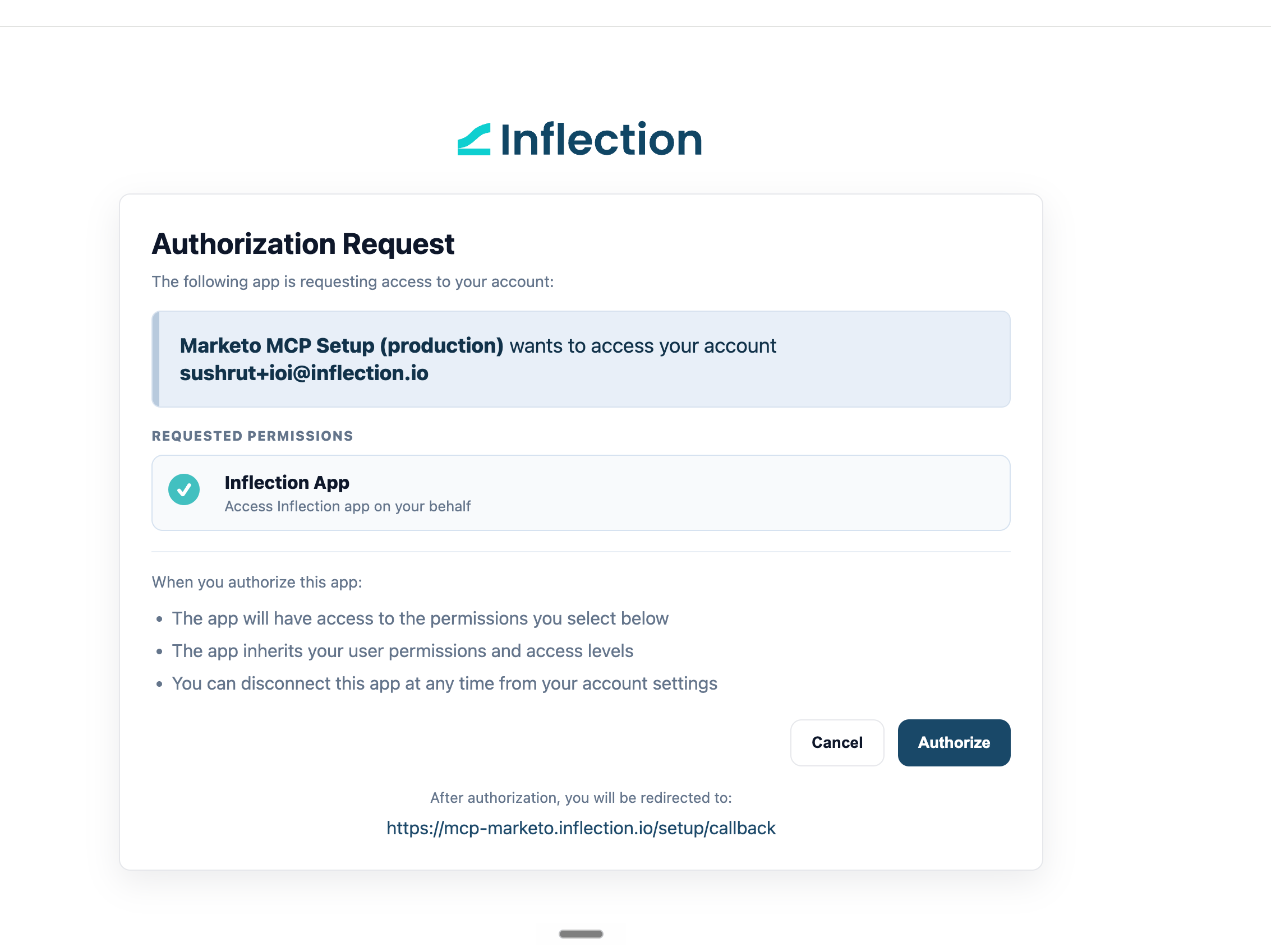
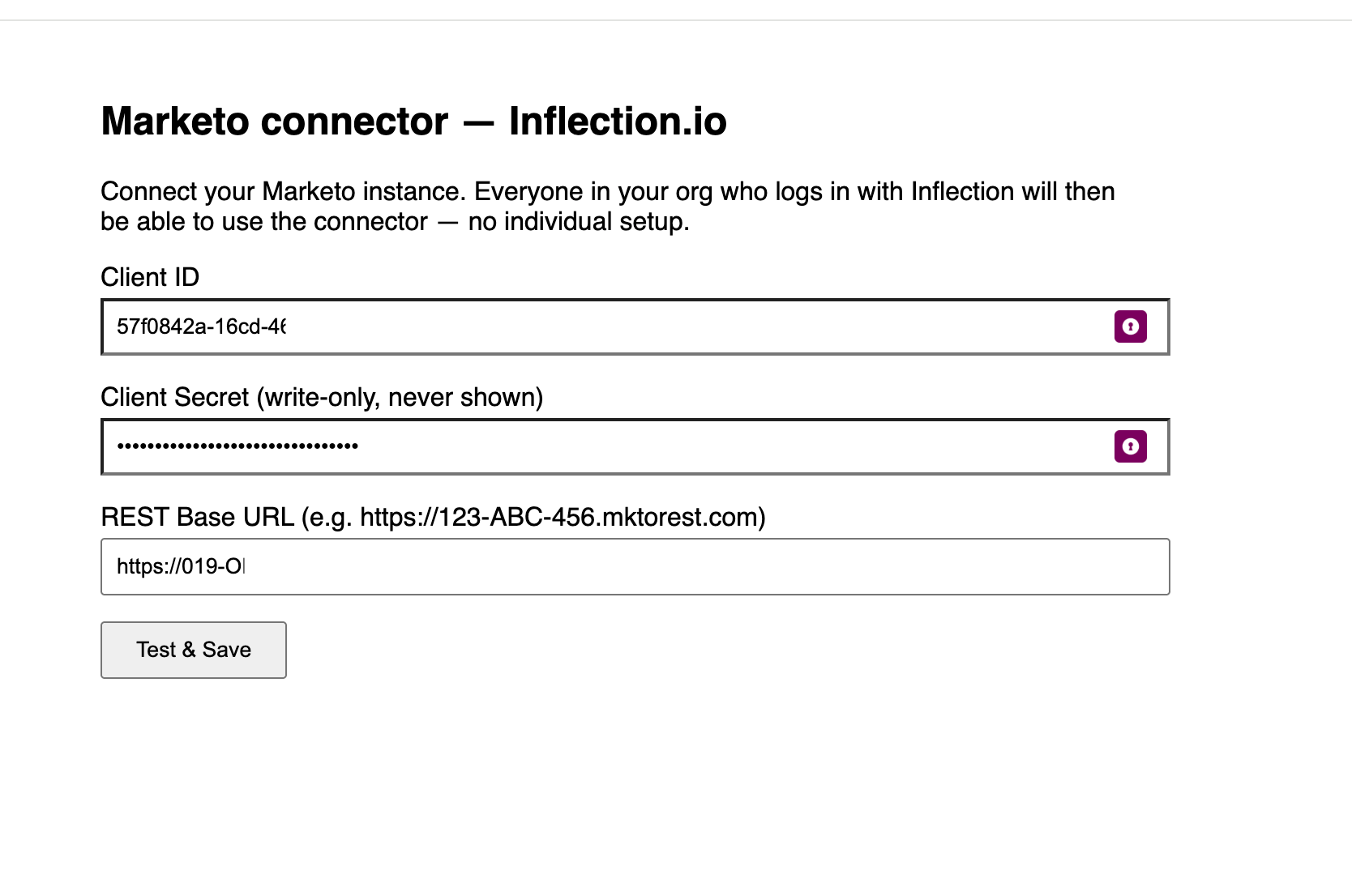
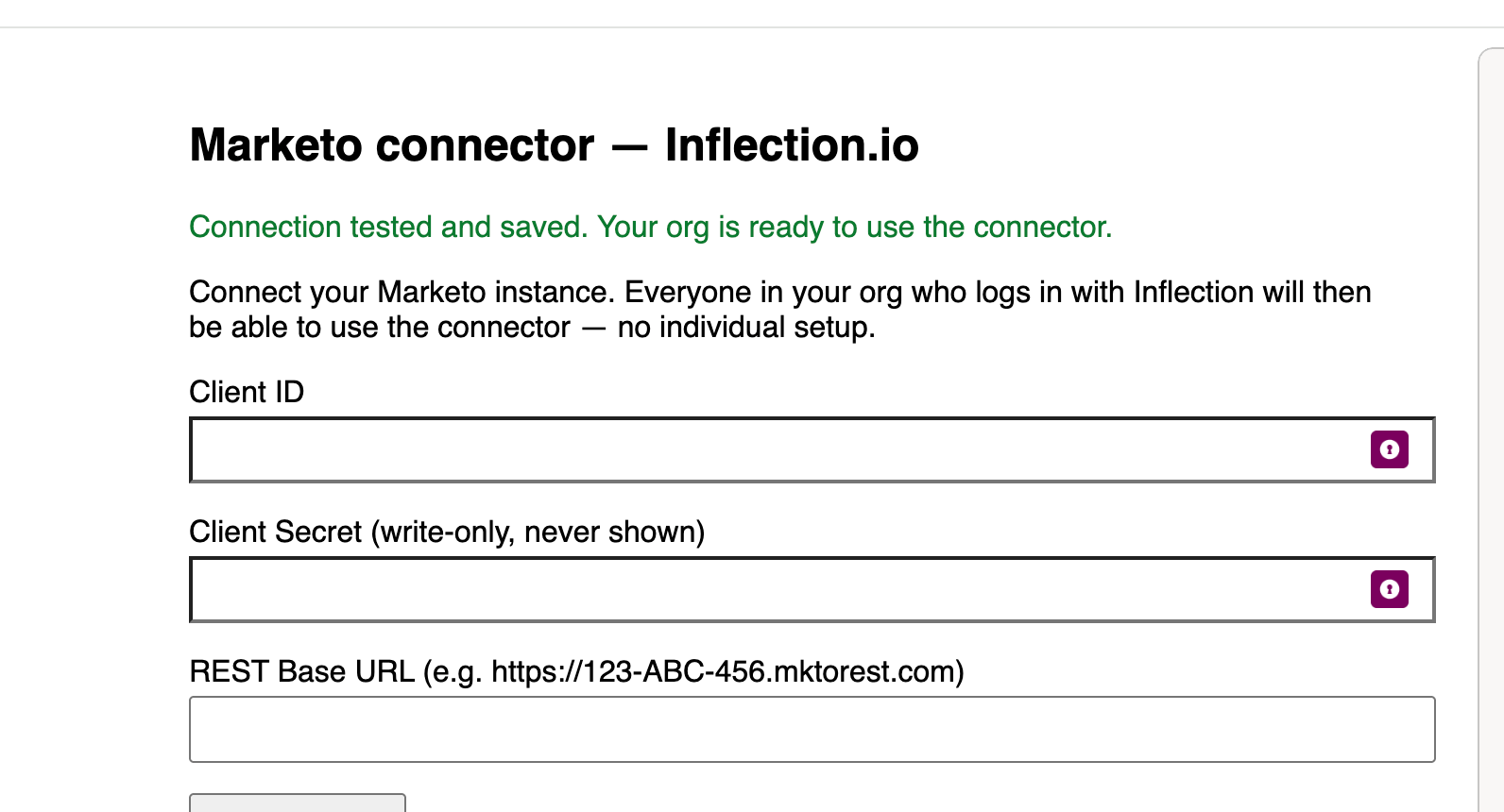
https://123-ABC-456.mktorest.com). Click Test & Save.
Part 2. Claude admin: add the connector for your org (once, ~1 minute)
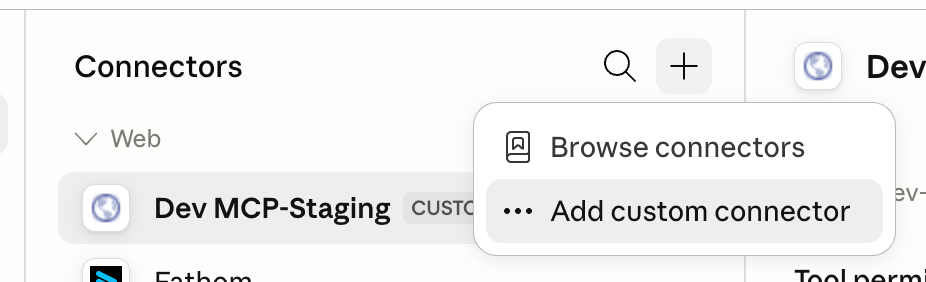
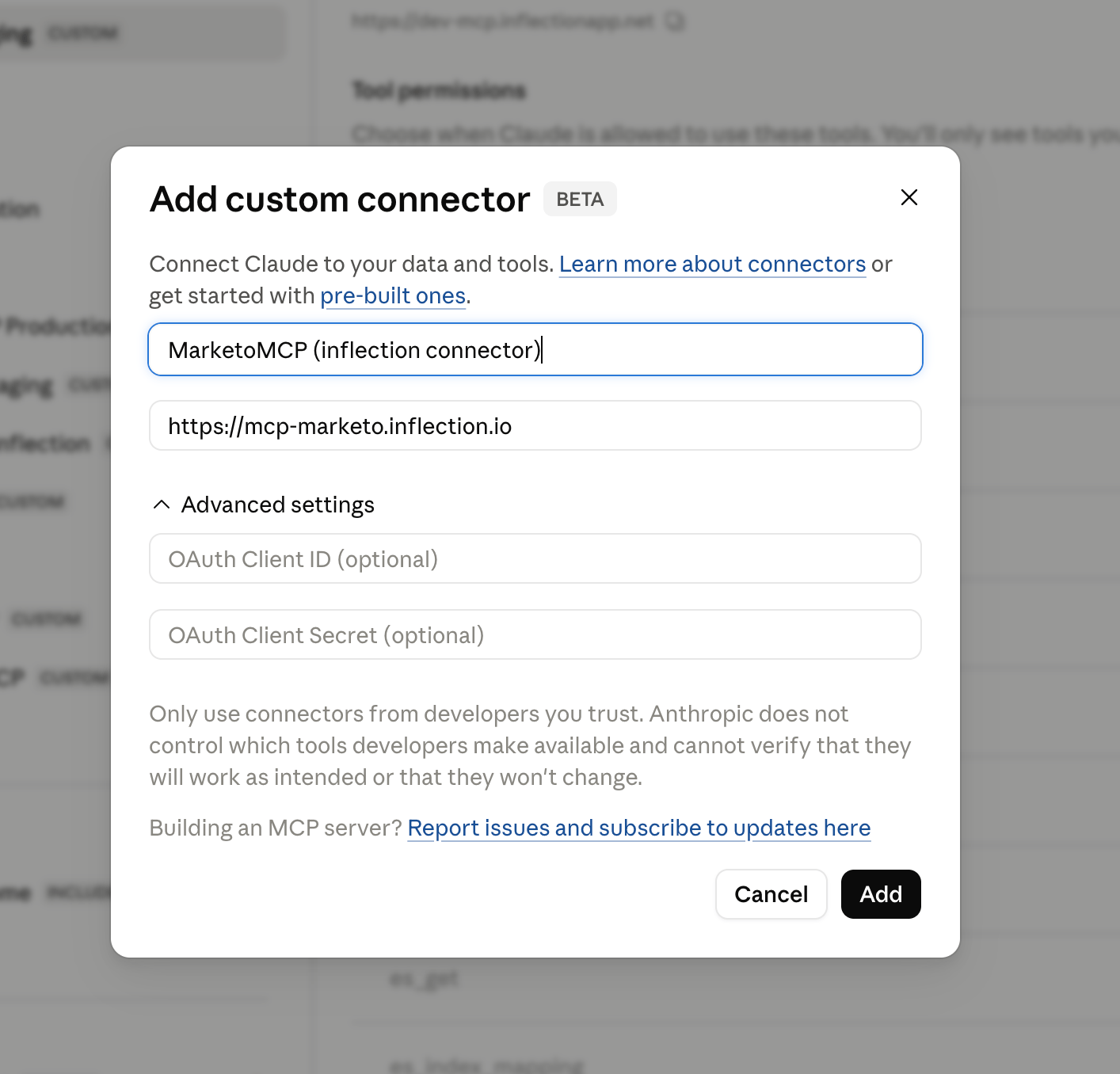
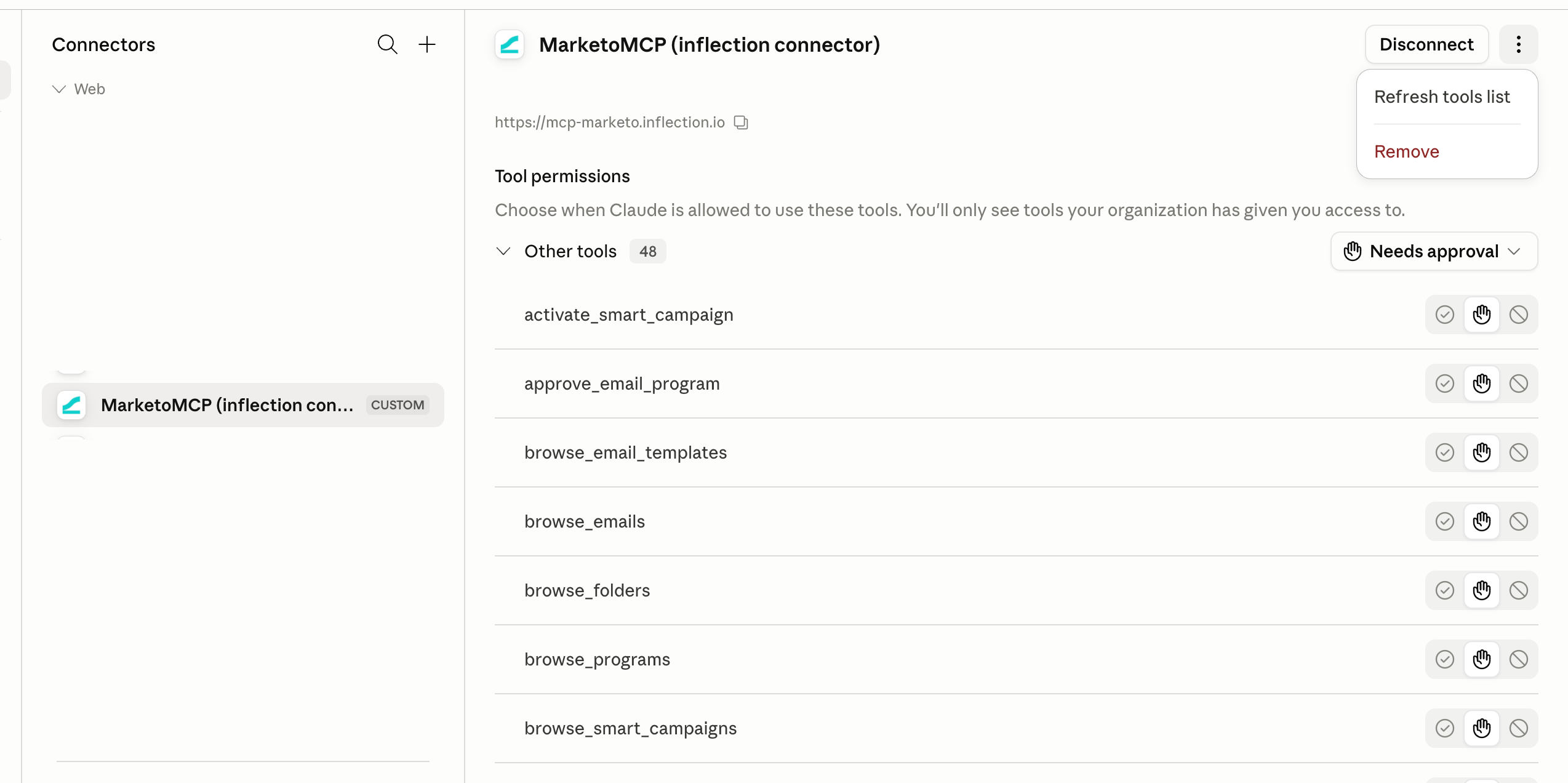
In Claude for Work, custom connectors are added by a workspace admin. Individual members can’t add them.In claude.ai, go to Admin settings > Connectors > Add custom connector, give it a name (e.g. Marketo), and enter the URL:
Part 3. Everyone: connect and go
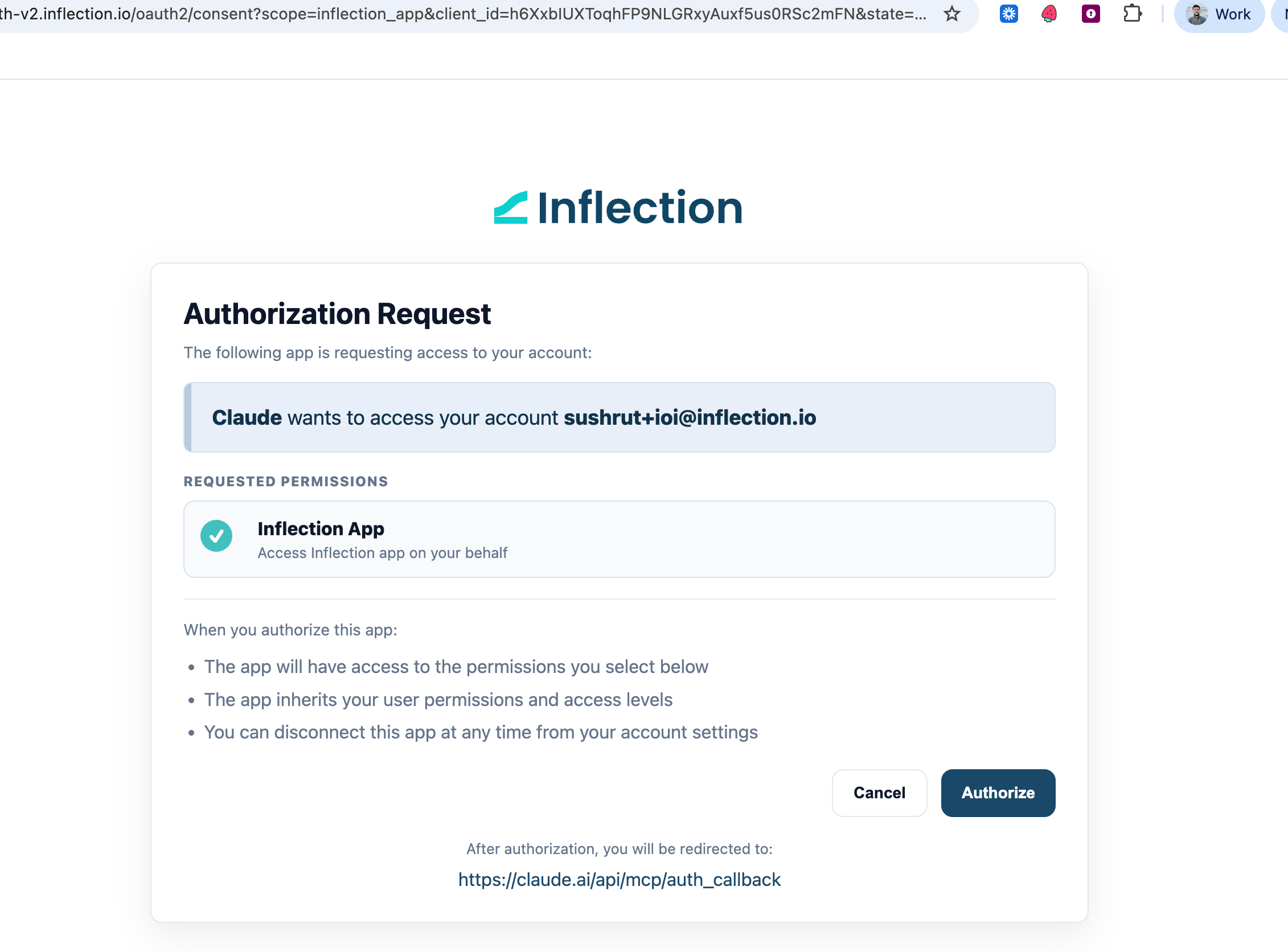
1. In a Claude chat, open the tools/connectors menu, find the MarketoMCP, and click Connect. Sign in with your Inflection account when prompted. (First time only; no Marketo credentials needed.)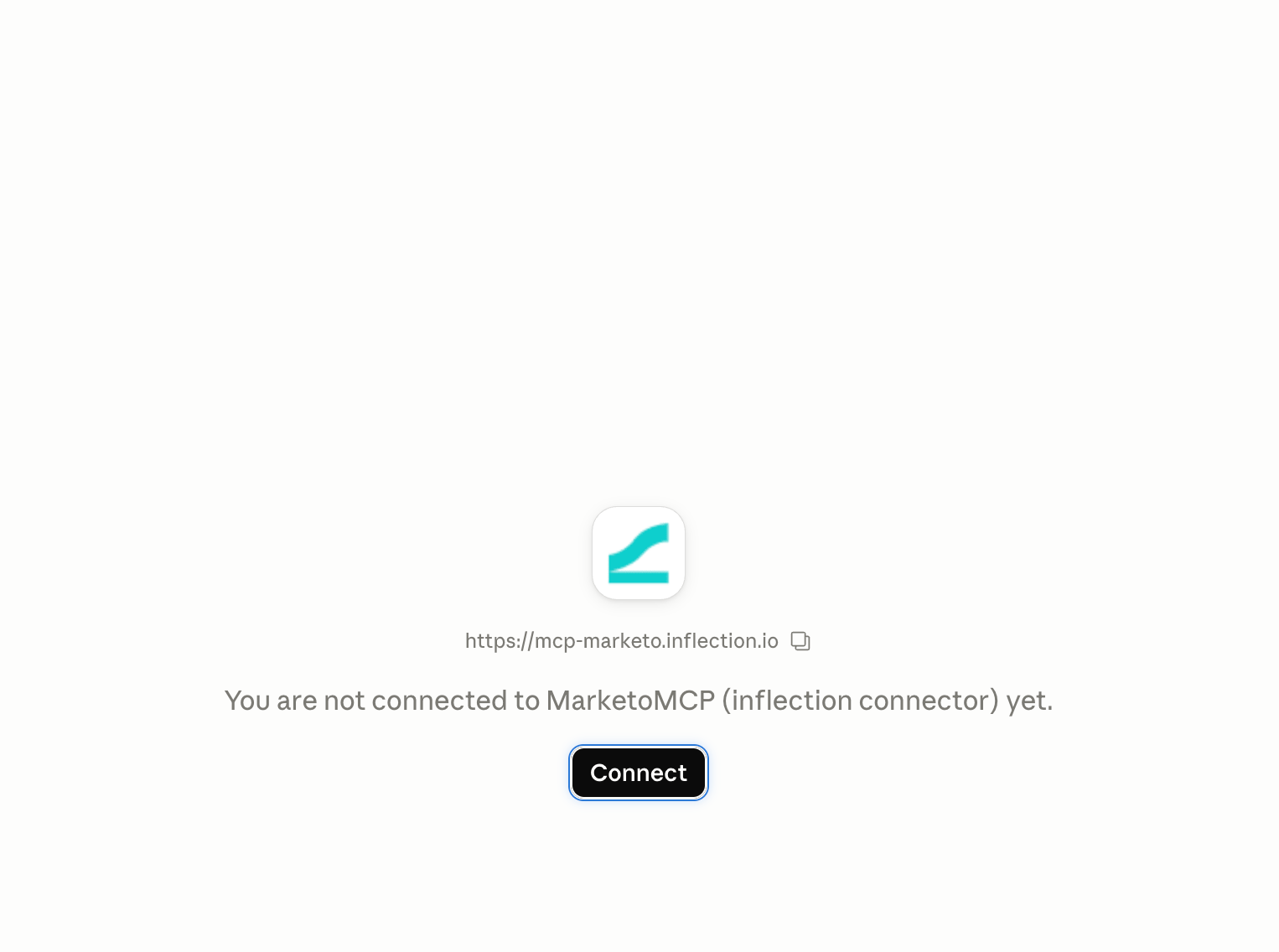
- “Pull the Marketo lead for jane@acme.com and show her recent activity.”
- “What’s the open and click rate on the Q2 newsletter?”
- “Clone last quarter’s webinar program for the November event.”
Something not working? “Your organization hasn’t connected Marketo yet” means Part 1 still needs doing. If you can’t see the Marketo connector in Claude at all, Part 2 still needs your Claude admin. For anything else, contact your Inflection team.