

Set Up Your Template Catalog
Prerequisite: You need edit access in Inflection. Viewers can see the catalog but can’t change it. If you don’t see Campaign Ops Agent under Settings, contact your customer success team.
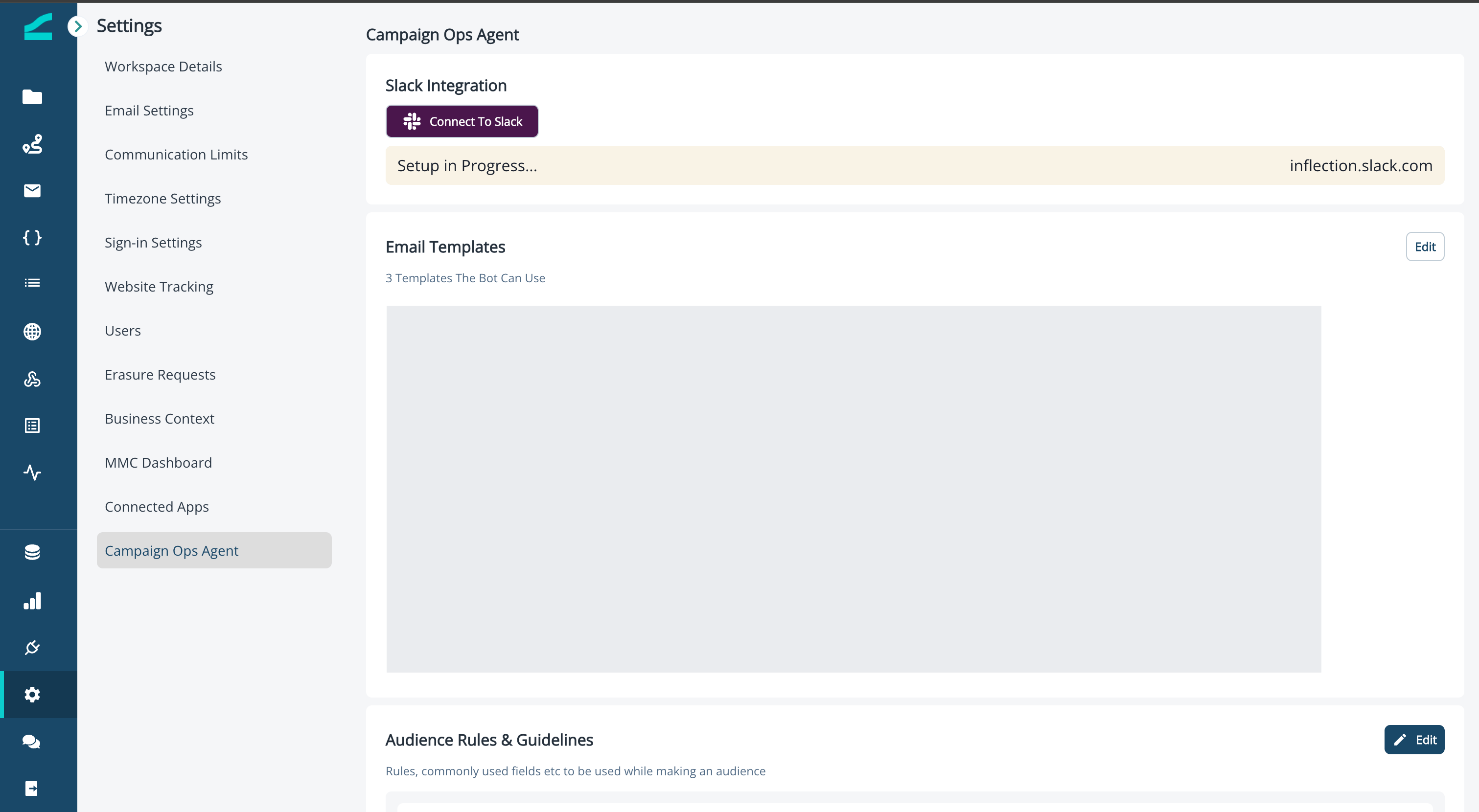
- Navigate to Settings > Campaign Ops Agent.
- In the Email Templates section, click + Add (or Edit if templates are already selected) to open the template picker.
- Select up to five visual templates.
- Click Save catalog. The Catalog updated summary shows how many content blocks and brand recipes were added, plus any templates that were skipped.
Update the catalog at any time: add or remove templates and click Save catalog again. Drafts that used a removed template still render.
Use Your Templates in the Agent
When you ask the agent to create a visual email, it picks the closest layout from your catalog and fills in your content, so new emails match your brand. You don’t need to name a template, but you can. Example prompts:- “Build a product launch email using our announcement template as the reference.”
- “Draft this month’s newsletter in our usual layout.”
Build Emails Without a Catalog
If your catalog is empty, the agent can’t build visual emails and asks you to set up the catalog first. It offers to build an HTML email instead, which doesn’t need a catalog. HTML emails can’t be edited in the visual editor afterward.Good to Know
- Up to five templates per catalog.
- Visual templates only: HTML templates can’t be added to the catalog.
- Keep it current: update the catalog whenever your brand templates change.
Additional Resources
- In-App Chat: build and edit emails by conversation
- Integrate with Slack: build emails from your team channel
- Inflection MCP: drive the email builder from your connected AI client