

What Are Transactional Emails?
Transactional emails are non-promotional, service-related communications sent to deliver important information that a recipient needs to know — regardless of their marketing email preferences. They are designed for essential updates such as legal notices, service disruptions, account activity alerts, and other operational messages. Unlike marketing emails, transactional emails are always sent to intended recipients, even if they’ve unsubscribed from promotional content, while still respecting rules for invalid or bounced addresses. Inflection now supports Transactional Emails via:- A mandatory email category selection at creation time.
- Asset-level and journey-level visibility into whether an email is transactional.
- Logic that bypasses unsubscribes and communication limits.
When to Use Transactional Emails
Choose Transactional when the email’s primary purpose is to communicate essential, time-sensitive, and/or legally required information. Common examples include:- Terms of Service or Privacy Policy changes
- System outage or incident notifications
- Billing failures, payment confirmations, or refund notices
- Event registrations, confirmations, or schedule changes
Create a Transactional Email
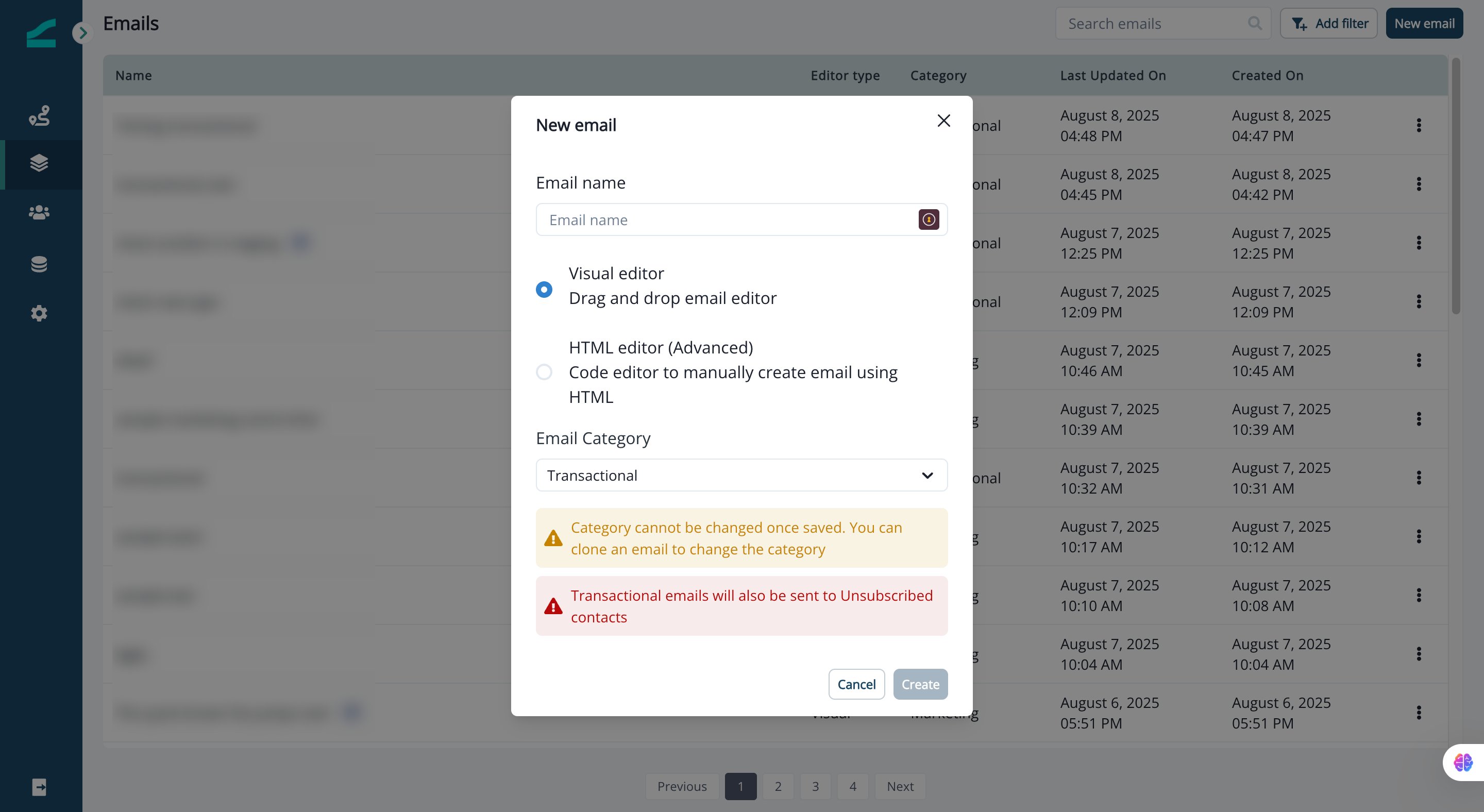
When you create a new email (using either the Visual or Advanced Editor), you will be prompted to select an Email Category:- Marketing
- Transactional
Edit the Email Category
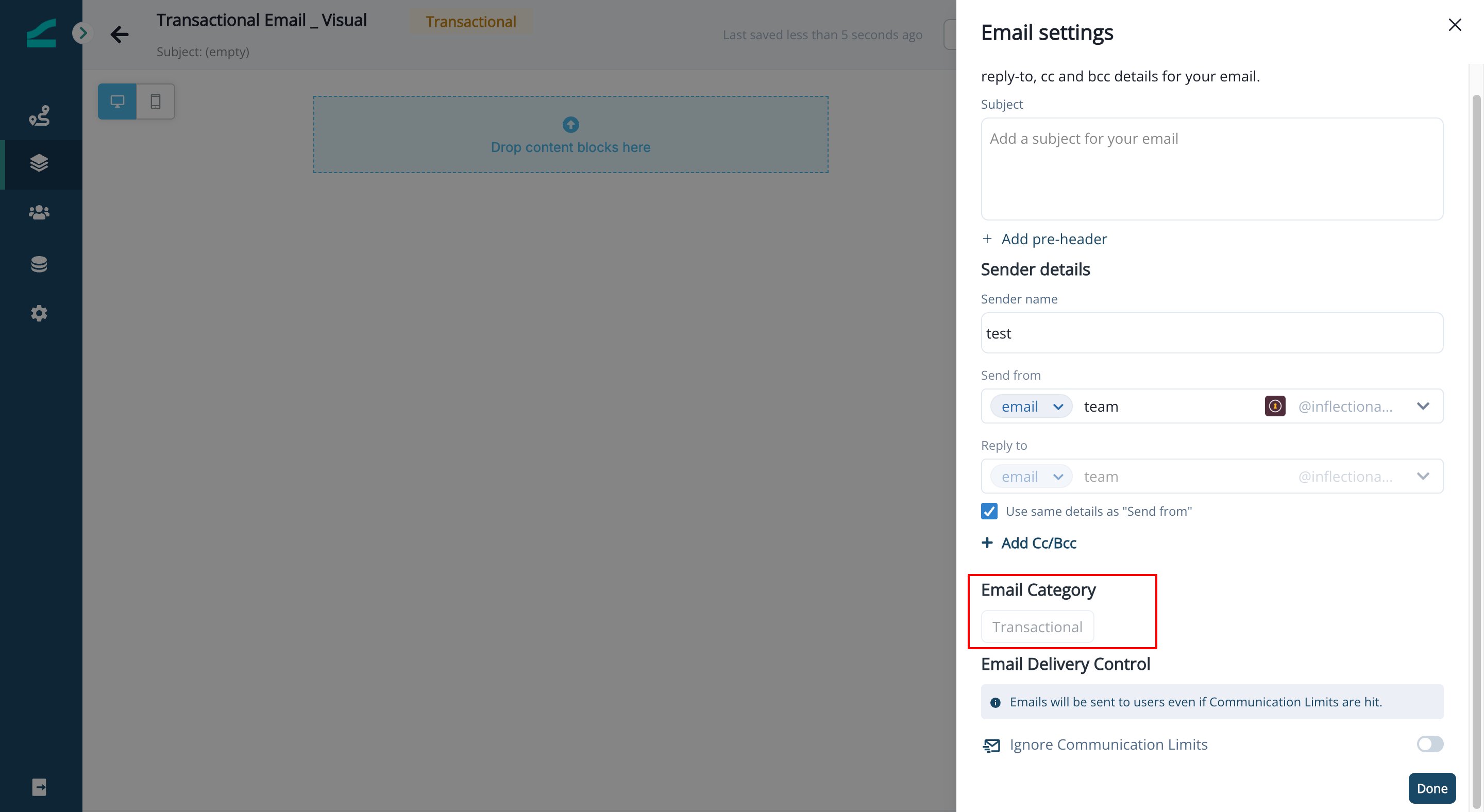
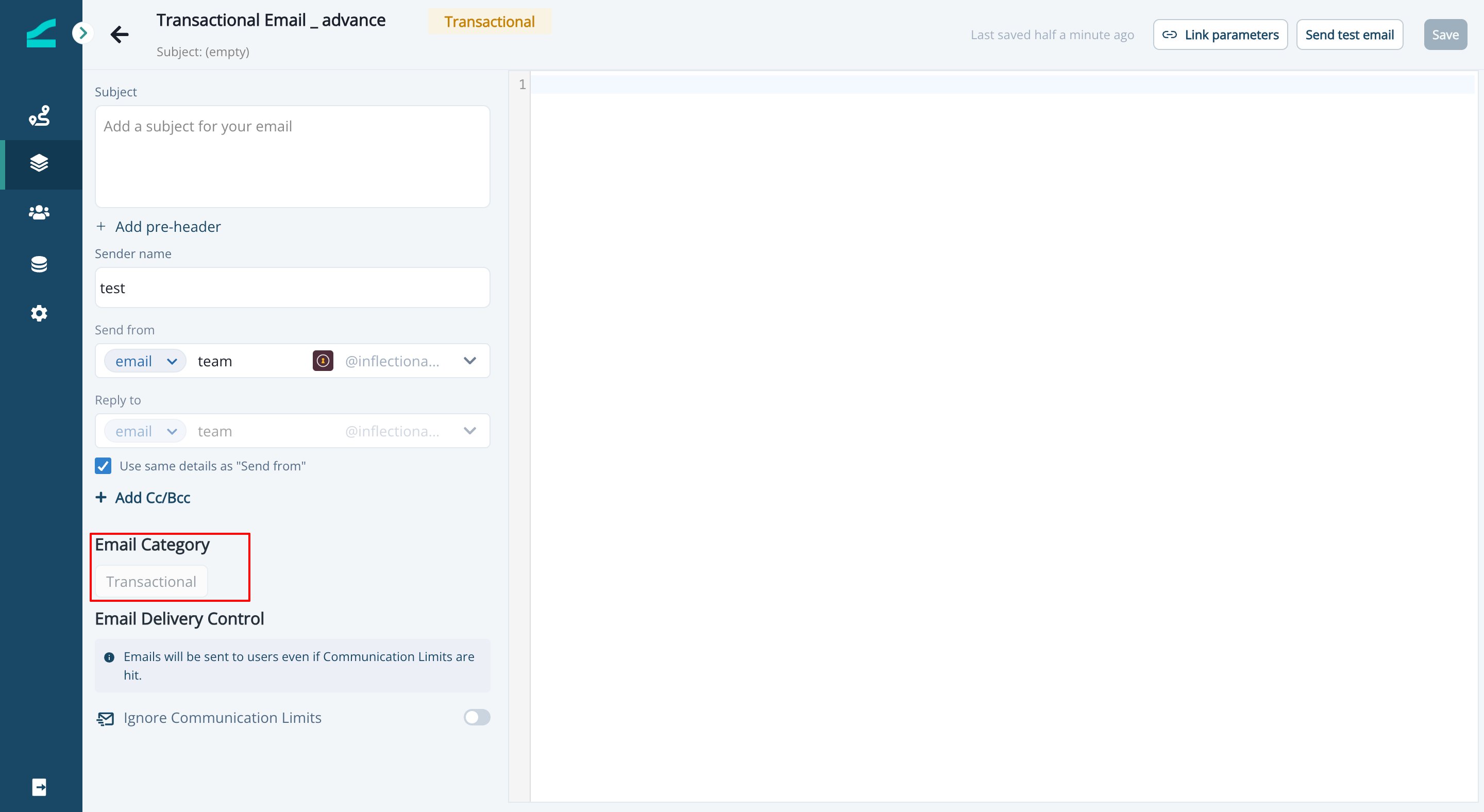
Once the email is created, you can not change its category.- This applies to both Visual and Advanced Email Editors.
- You can clone an email asset to change its category.
Visual Editor Example
Advanced Editor Example
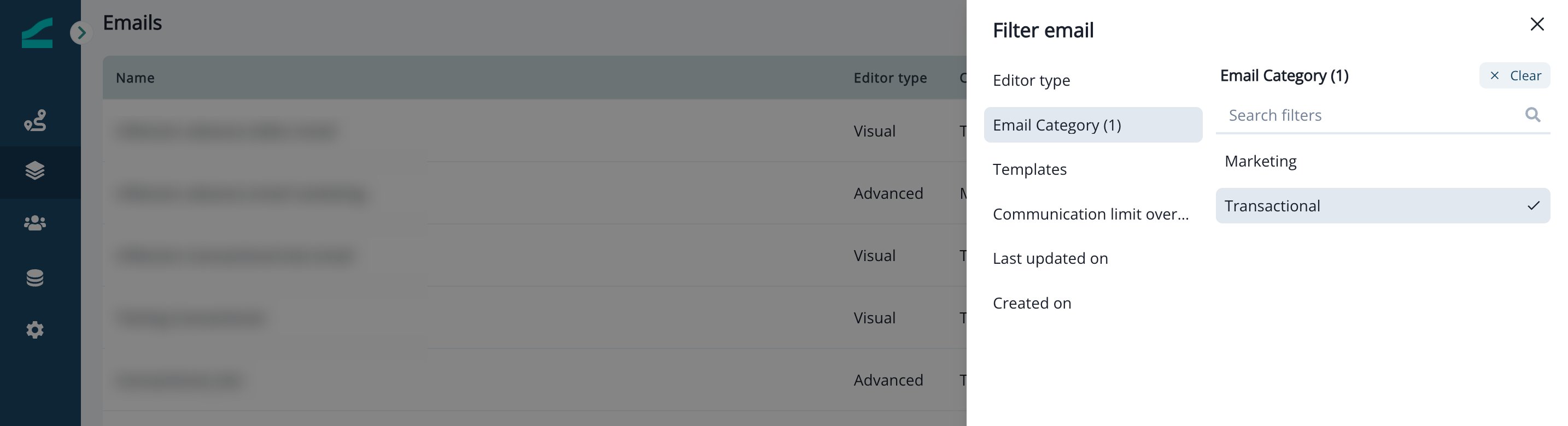
Email Asset List Enhancements
The Email List view now includes:- A new column showing the category (Marketing or Transactional).
- A category filter to search or segment by type.

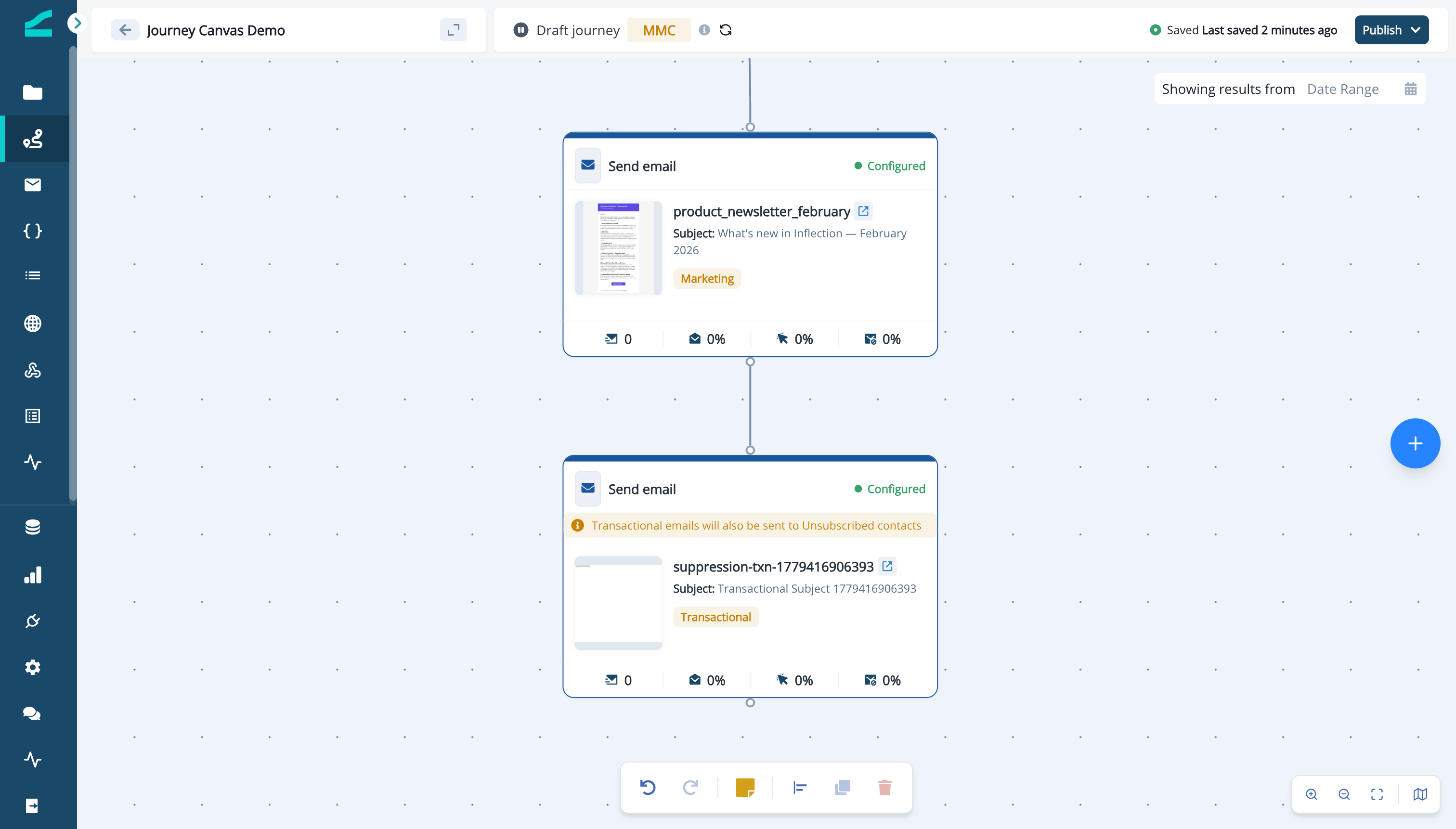
Transactional emails are always sent, regardless of unsubscribe status or communication limits. However, they still count toward the daily communication limit for subsequent marketing sends. (e.g., If communication limit for a day is set to 1 and a user is sent a transactional email, additional marketing emails will not be sent in accordance with communication limits.)
Transactional Emails are subject to Monthly Marketed Contact (MMC) eligibility criteria just like any other email asset (or journey). Additionally, all metrics for transactional emails are reported the same as non-transactional emails.