- Sending updated PQL scores based on engagement metrics
- Triggering webhooks for changes in a lead’s lifecycle stage to ensure real-time updates on our end
- Lead status and unsubscribe from Hubspot
- In your HubSpot account, navigate to Automations > Workflows
- To edit an existing workflow, click the name of the workflow. Or, create a new workflow.
- In the workflow editor, click the + plus icon to add an action.
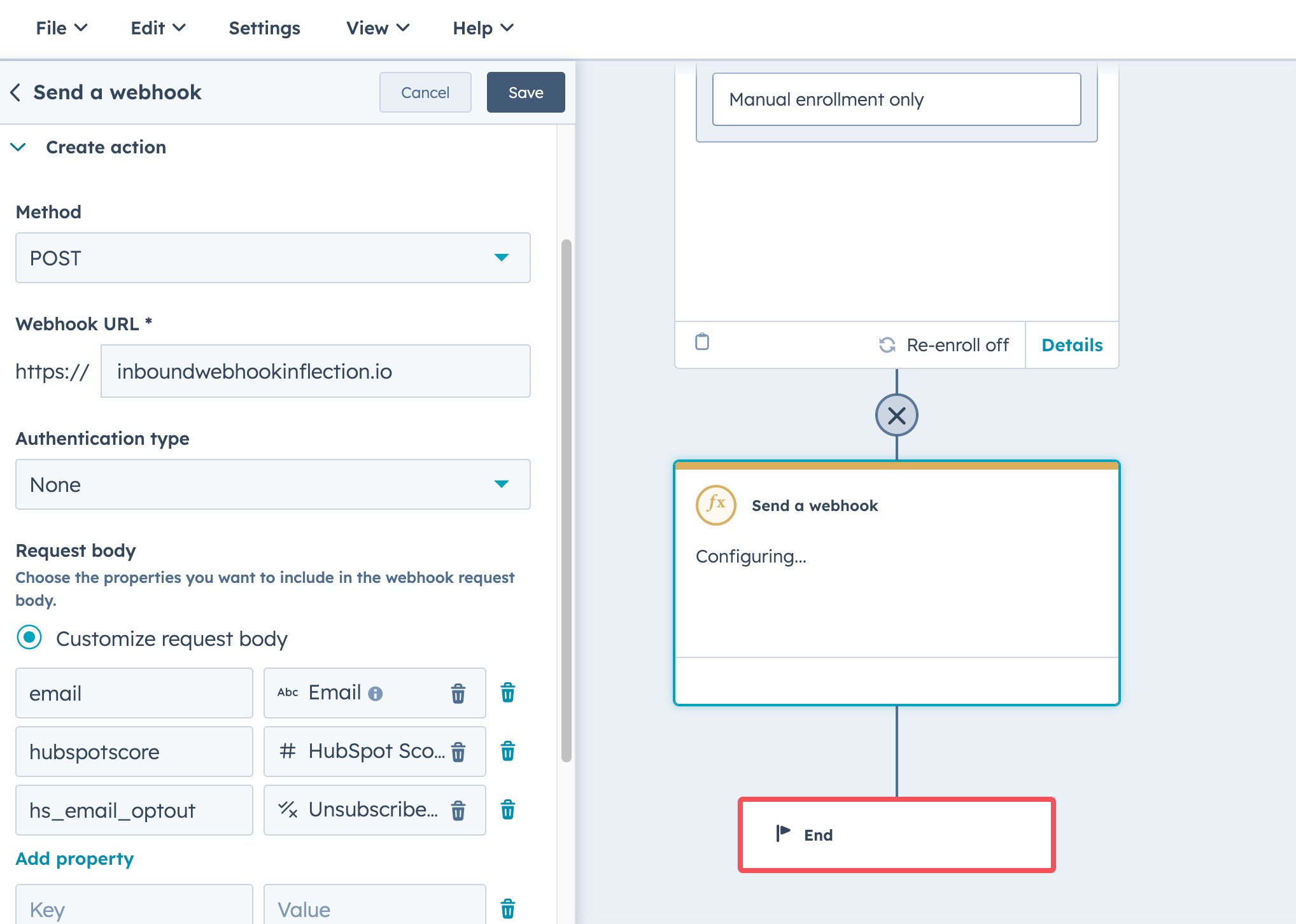
- In the left panel, in the Data ops section, select Send a webhook
- Click the Method dropdown menu and select POST.
- Enter the Inflection webhook enpoint URL
- Set up your authentication type to authenticate requests to your webhook
- To include all properties, select Include all [object] properties or Select Customise request body to include only specific properties
- Click Save.