

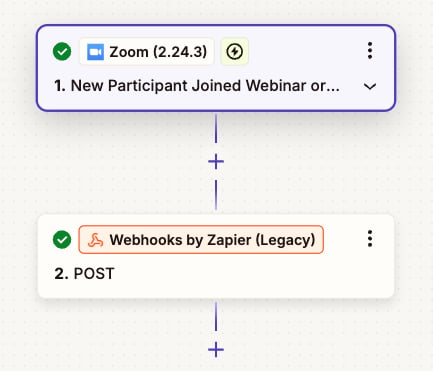
Send webinar/event registration information from Zoom/Luma to Inflection via Zapier
Send webinar/event registration information from Zoom/Luma to Inflection via Zapier
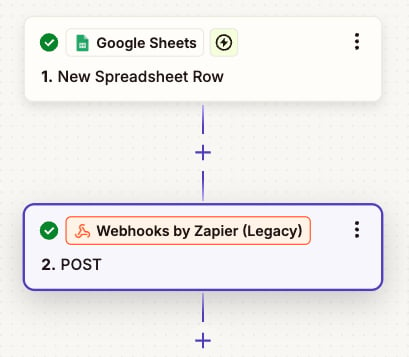
Send to Inflection when a row gets updated with people info in Google Sheets using Zapier
Send to Inflection when a row gets updated with people info in Google Sheets using Zapier
text
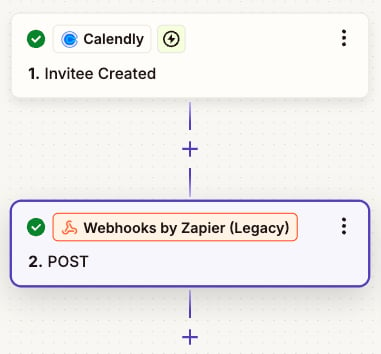
Send meeting bookers from Calendly to Inflection using Zapier
Send meeting bookers from Calendly to Inflection using Zapier
- Create a Zap
- Log in to Zapier → Click “Create Zap”.
- Select a Trigger App (e.g., form submission, CRM update)
- Set up the Trigger Event and test it.
- Add Webhook Action
- Click ”+” → Search “Webhooks by Zapier” → Select POST
- Enter the Inflection.io Webhook URL
- Configure Request
- Payload Type: JSON (Recommended)
- Data: Add key-value pairs.
- Headers: Include API keys if required.
- Test & Activate
- Click “Test & Review” to send a sample request.
- Verify the response & troubleshoot if needed.
- Click “Publish Zap” to activate.